
Preview before processing
Inspect headings, figures, vocabulary, summaries, and end questions first so you know the chapter's structure and can judge whether the generated note reflects it.
A useful textbook note is not a shorter copy of every paragraph. Start with a chapter or section you are permitted to upload, preview its headings and learning questions, import the PDF into BrainDen, and edit the structured note around what your course expects you to understand and use.
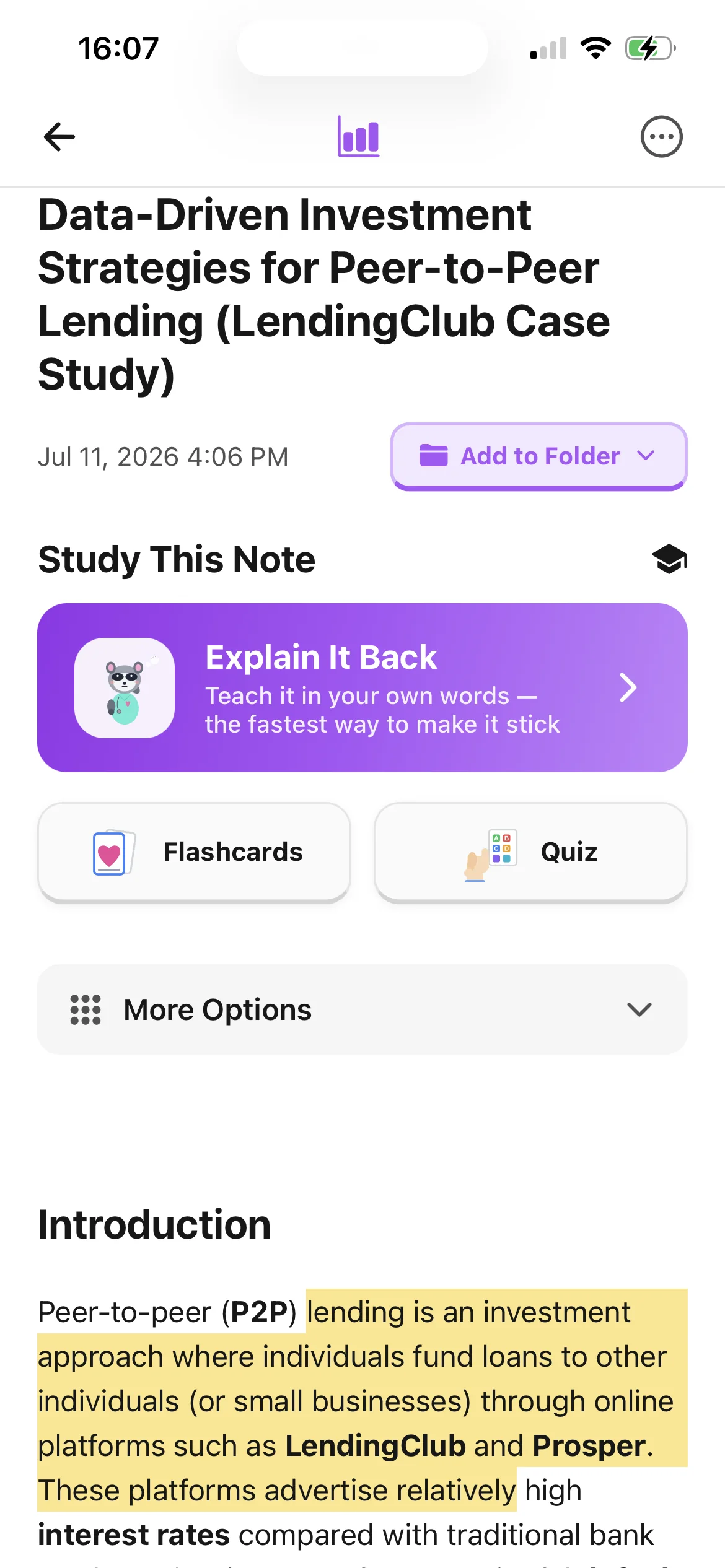
Inspect headings, figures, vocabulary, summaries, and end questions first so you know the chapter's structure and can judge whether the generated note reflects it.
Use the attached PDF to check terminology, quotations, diagrams, exceptions, and evidence instead of treating a condensed note as a replacement for the source.
Link the chapter note to the lecture, tutorial, or lab that applies the same idea, then select the relevant notes together for an exam topic.
Workflow fit
From source to active study
Write the learning objective or question you need the chapter to answer. Choose one coherent section rather than uploading a large book with unrelated units.
Upload the permitted PDF, review the structured note after each major section, and add your own brief explanation instead of copying long passages.
Close the detail, summarize the section from memory, check what you missed, and link the note to the class material that gives the concept practical context.
A concrete example
A permitted chapter PDF covering working memory models, experimental tasks, capacity limits, and an end-of-chapter comparison question.
A useful result could include
Generated material is a study aid. Review important terminology, notation, and claims against your source.
Make the result better
BrainDen removes repetitive setup work. Your judgement, course context, and retrieval practice are what turn the result into learning.
Read far enough to understand the main claim and its support. Taking notes sentence by sentence can turn active reading into mechanical copying.
Explain the idea briefly from memory, then compare it with the page. Preserve exact language only when a definition, quotation, or formula requires it.
Upload only material you are authorized to use. A study workflow does not grant permission to distribute a textbook chapter or expose it through a public share.
Questions and answers
Use focused chapters or sections that you are permitted to upload. Smaller, coherent inputs are easier to verify, organize, and study than a whole multi-topic book.
No. Preview and read actively, then use the note to organize and retrieve ideas. Return to the PDF for figures, evidence, exact language, and context.
Yes. BrainDen keeps the imported PDF connected to its note so you can highlight passages, add comments, and verify the structured explanation.
Link the notes or select them for continuous review. Each original stays separate, and the focused selection can be exported together if needed.
Continue in your connected library
Folders tell you where a note belongs. Links show how its ideas relate to the rest of what you know. Connect a concept to another lecture, reading, or course and use backlinks to find the relationship from either side.
Explore this featureOrganize your libraryA growing study library should match the way your course is actually structured. Build folders inside folders so lectures, readings, assignments, and revision topics stay easy to find.
Explore this featureReview the whole topicExam topics rarely fit inside one note. Select the lectures, readings, and explanations that belong together, then review them in one continuous view without replacing or rewriting the originals.
Explore this featureKeep building your study system
Start with a textbook chapter you are permitted to upload, create a connected note, and choose the study tools that help you understand and remember it.