
Make spoken material searchable
Use the transcript and structured note to locate definitions, explanations, and examples that would otherwise require repeated movement through the audio timeline.
A recording is hard to review when the explanation you need is buried inside a long timeline. Upload a permitted lecture, tutorial, or spoken study summary to BrainDen, check the transcript and structured note, then use its connected quiz to test the ideas without replaying every minute.
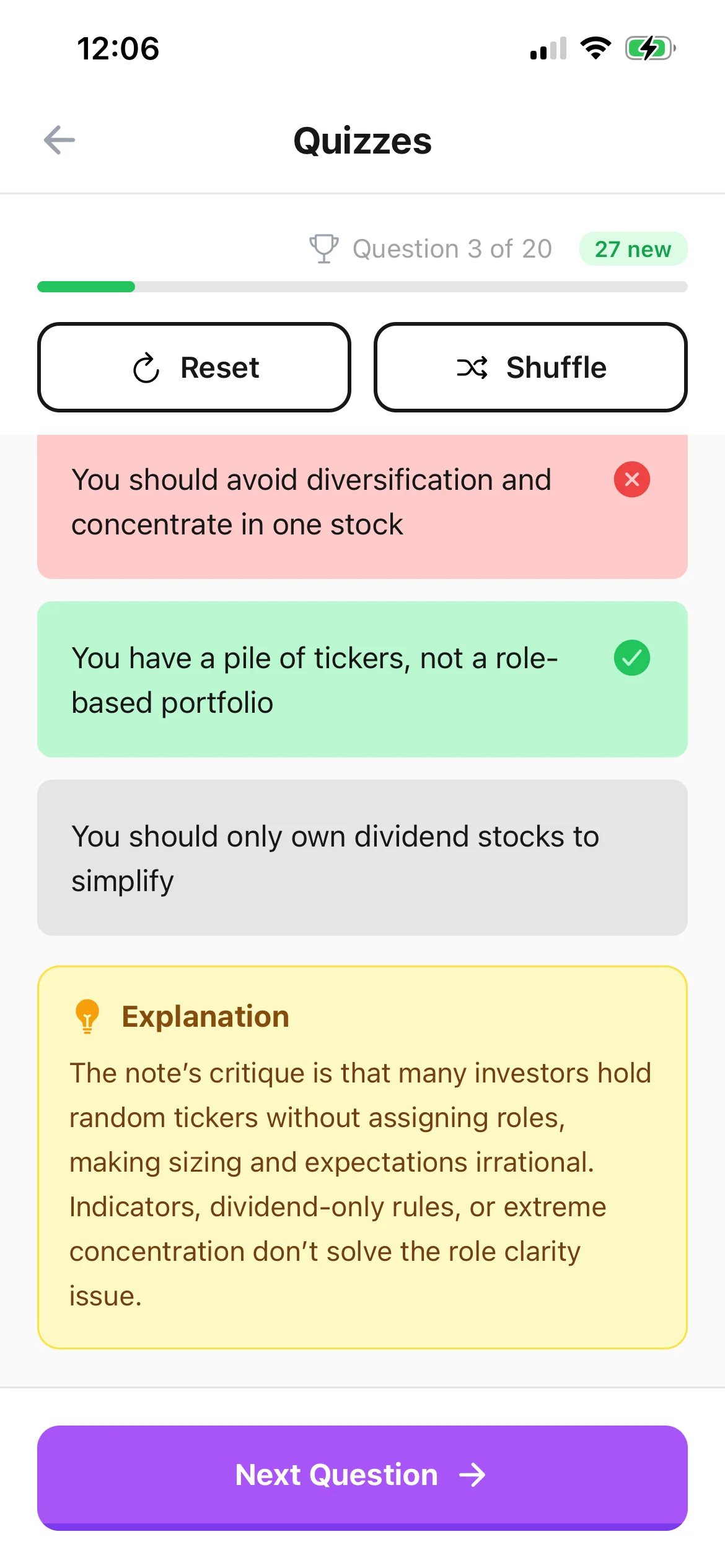
Use the transcript and structured note to locate definitions, explanations, and examples that would otherwise require repeated movement through the audio timeline.
Answer questions about concepts, contrasts, sequences, and applications while the original recording remains available whenever tone or fuller context matters.
Return from a missed answer to the checked transcript, note, or relevant timestamp and connect any missing visual information from slides or handwritten notes.
Workflow fit
From source to active study
Choose an audio file with a clear topic, confirm permission, and avoid combining unrelated sessions that would make questions difficult to interpret.
Verify names, specialist vocabulary, numbers, formulas, and examples against the recording. Add visual context when the speaker refers to a slide, diagram, or equation.
Commit to each answer from memory, use the feedback to classify the gap, and revisit only the relevant source section before trying related practice later.
A concrete example
A 44-minute tutorial comparing demand-side and supply-side shocks, with verbal explanations of two graphs and examples of policy trade-offs.
A useful result could include
Generated material is a study aid. Review important terminology, notation, and claims against your source.
Make the result better
BrainDen removes repetitive setup work. Your judgement, course context, and retrieval practice are what turn the result into learning.
Spoken phrases such as “this line” or “the value here” are incomplete without the slide or board. Add that context before treating the note as quiz-ready.
Do not replay the relevant section immediately before answering. Attempt the question first, then use the audio and transcript to correct the explanation.
File the recording note with its module and link it to the matching slides or reading so later revision follows the concept rather than a list of audio filenames.
Questions and answers
Yes. Upload a supported audio file, review the transcript and structured note, and open the connected quiz view after correcting important details.
Yes. Recording and reuse rules vary by location and institution. Make sure you are allowed to record, upload, and study the material.
Check names, terminology, numbers, formulas, and references to visual material against the recording and any accompanying course source.
Yes. Store the audio-based note in nested folders and link it to the relevant lecture slides, readings, examples, or revision notes.
Continue in your connected library
A growing study library should match the way your course is actually structured. Build folders inside folders so lectures, readings, assignments, and revision topics stay easy to find.
Explore this featureConnect related ideasFolders tell you where a note belongs. Links show how its ideas relate to the rest of what you know. Connect a concept to another lecture, reading, or course and use backlinks to find the relationship from either side.
Explore this featureKeep building your study system
Start with a focused lecture, tutorial, or study audio file, create a connected note, and choose the study tools that help you understand and remember it.