
Check the spoken source before studying
Review names, specialist terms, formulas, and places where background noise or unclear speech may have changed the transcript or note.
An hour of audio is difficult to scan when you only need the definition, relationship, or example behind one question. Upload a focused lecture, tutorial, or voice recording to BrainDen, review the transcript and structured note, then use flashcards for retrieval practice while the fuller explanation stays close.
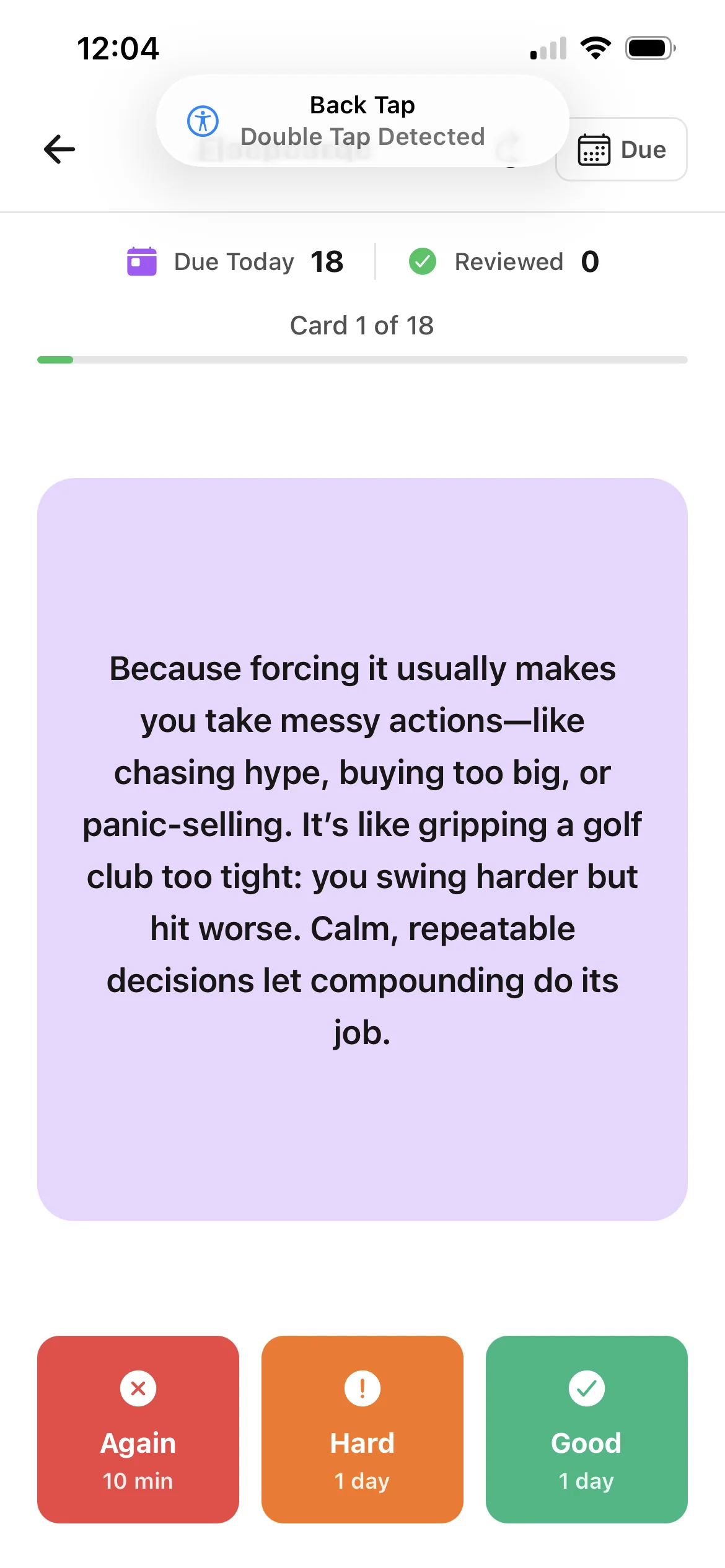
Review names, specialist terms, formulas, and places where background noise or unclear speech may have changed the transcript or note.
Use cards for definitions, contrasts, sequences, causes, and worked reasoning instead of copying long stretches of transcript onto each answer.
Return to the transcript, structured note, or original audio when a short flashcard answer is not enough to explain why the idea works.
Workflow fit
From source to active study
Choose a recording with a clear topic and confirm that you have permission to use it. A focused class or tutorial is easier to review than unrelated recordings combined together.
Check terminology, speakers, equations, and examples against the recording and your course material. Add visual context that the audio could not contain.
Answer each prompt before revealing it, explain difficult answers in your own words, and follow the connected note whenever a card exposes missing context.
A concrete example
A 38-minute tutorial comparing competitive and non-competitive enzyme inhibition, including a spoken walkthrough of graph changes and two exam-style scenarios.
A useful result could include
Generated material is a study aid. Review important terminology, notation, and claims against your source.
Make the result better
BrainDen removes repetitive setup work. Your judgement, course context, and retrieval practice are what turn the result into learning.
One prompt should test one decision, relationship, or explanation. Split a card when the answer becomes a paragraph that contains several independent facts.
Spoken references such as “this curve” or “the equation here” need context from your slides or handwritten notes before they become reliable study prompts.
Do not replay the relevant passage immediately before answering. Attempt the card from memory first, then use the connected source to correct the explanation.
Questions and answers
You can upload a supported audio file, create a transcript and structured note, and use that note's connected flashcard view. Review the generated material before studying.
This workflow starts from an audio source and creates study prompts from its content. The main value is keeping the transcript, note, and recall questions connected.
Verify names, technical vocabulary, numbers, formulas, and references to visuals. Compare important answers with the recording and any accompanying course material.
Yes. File the note in nested course folders and link it to relevant slides, readings, or topic notes so the recording does not become an isolated study set.
Continue in your connected library
A growing study library should match the way your course is actually structured. Build folders inside folders so lectures, readings, assignments, and revision topics stay easy to find.
Explore this featureConnect related ideasFolders tell you where a note belongs. Links show how its ideas relate to the rest of what you know. Connect a concept to another lecture, reading, or course and use backlinks to find the relationship from either side.
Explore this featureKeep building your study system
Start with a focused lecture, tutorial, or study audio file, create a connected note, and choose the study tools that help you understand and remember it.