
Stay present during the explanation
Use the recording as a safety net while you listen, participate, and note the points that matter most to you.
Capture the lecture, keep a visible recording indicator on screen, and let BrainDen transform the session into a structured note. You can retain the transcript for study and choose whether the original recording should remain after processing.
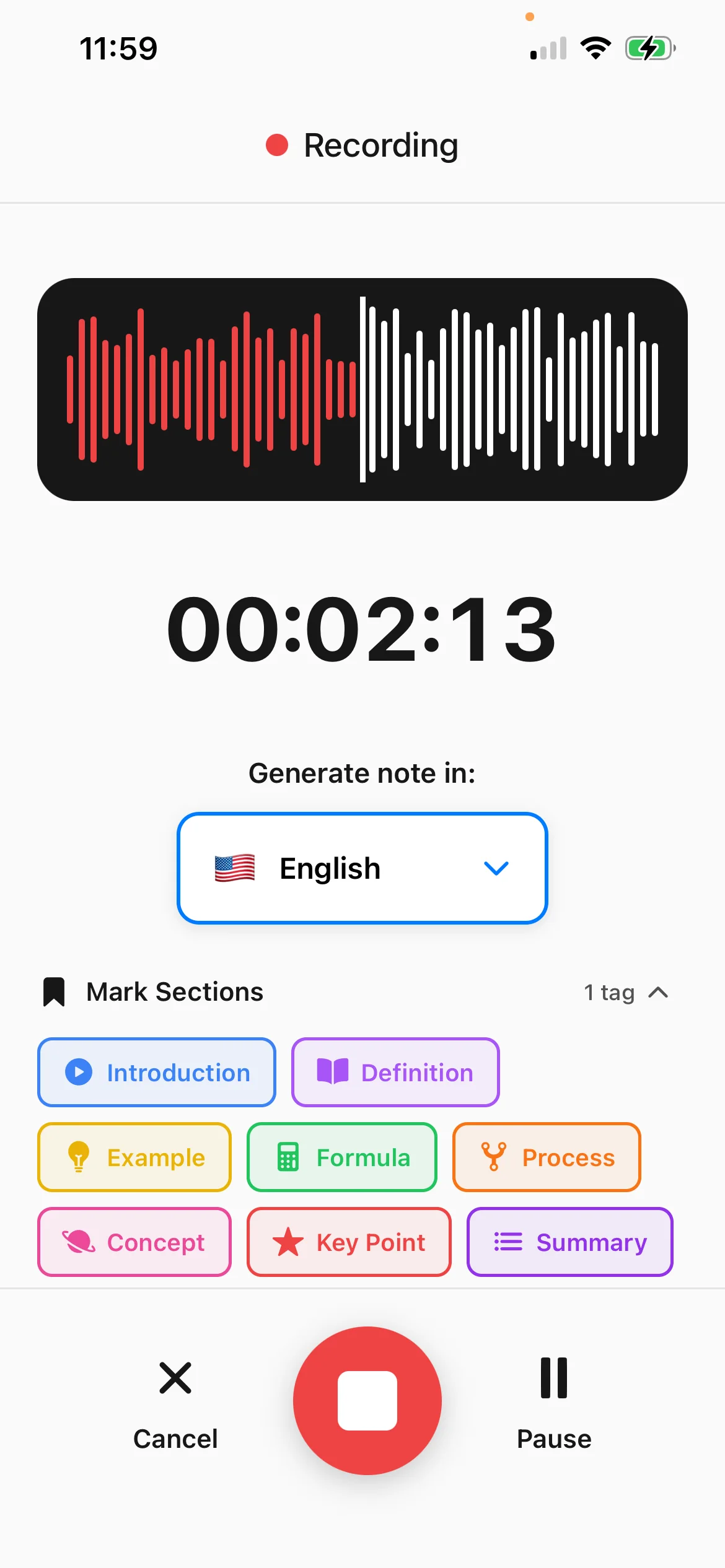
Use the recording as a safety net while you listen, participate, and note the points that matter most to you.
Search and verify what was said without repeatedly moving through the full audio timeline.
Choose whether BrainDen keeps or removes the audio after the note is generated while retaining the transcript.
From source to active study
Before recording, make sure everyone knows about and agrees to it, and follow the rules of your location and institution.
Keep BrainDen open with the visible recording indicator while the class or study session is in progress.
Check the transcript and structured note, add your own context, and move into flashcards, quizzes, or Explain It Back.
A concrete example
A 55-minute class explaining cardiac output, stroke volume, preload, afterload, and compensatory responses.
A useful result could include
Generated material is a study aid. Review important terminology, notation, and claims against your source.
Make the result better
BrainDen removes repetitive setup work. Your judgement, course context, and retrieval practice are what turn the result into learning.
Consent and recording requirements vary by jurisdiction and institution. BrainDen's prompt is a reminder, not a substitute for understanding those rules.
Lecturers often point to slides, diagrams, or demonstrations. Add those details when they are essential to understanding the spoken explanation.
Correct names, notation, and ambiguous passages while the context is still fresh in your memory.
Questions and answers
Recording rules vary by location and institution. Make sure everyone knows about and agrees to the recording, and follow the applicable requirements before you begin.
Yes. You can choose to remove the original audio after processing while keeping the transcript and generated note for study.
Yes. Once the lecture note is ready, the same material can be studied with flashcards, quiz questions, a mind map, and Explain It Back.
Review the generated note and add any important visual information that the recording alone could not represent accurately.
Keep building your study system
Start with a lecture recording, create a connected note, and choose the study tools that help you understand and remember it.