
See ideas beyond the timeline
Group explanations by hierarchy, cause, sequence, contrast, or example even when the speaker returns to the same concept at several points in the recording.
Spoken explanations unfold in time, which makes their hierarchy difficult to see during revision. Upload a permitted lecture, tutorial, or spoken summary to BrainDen, check the transcript and structured note, and open its mind map to organize the central idea, major relationships, examples, and conditions.
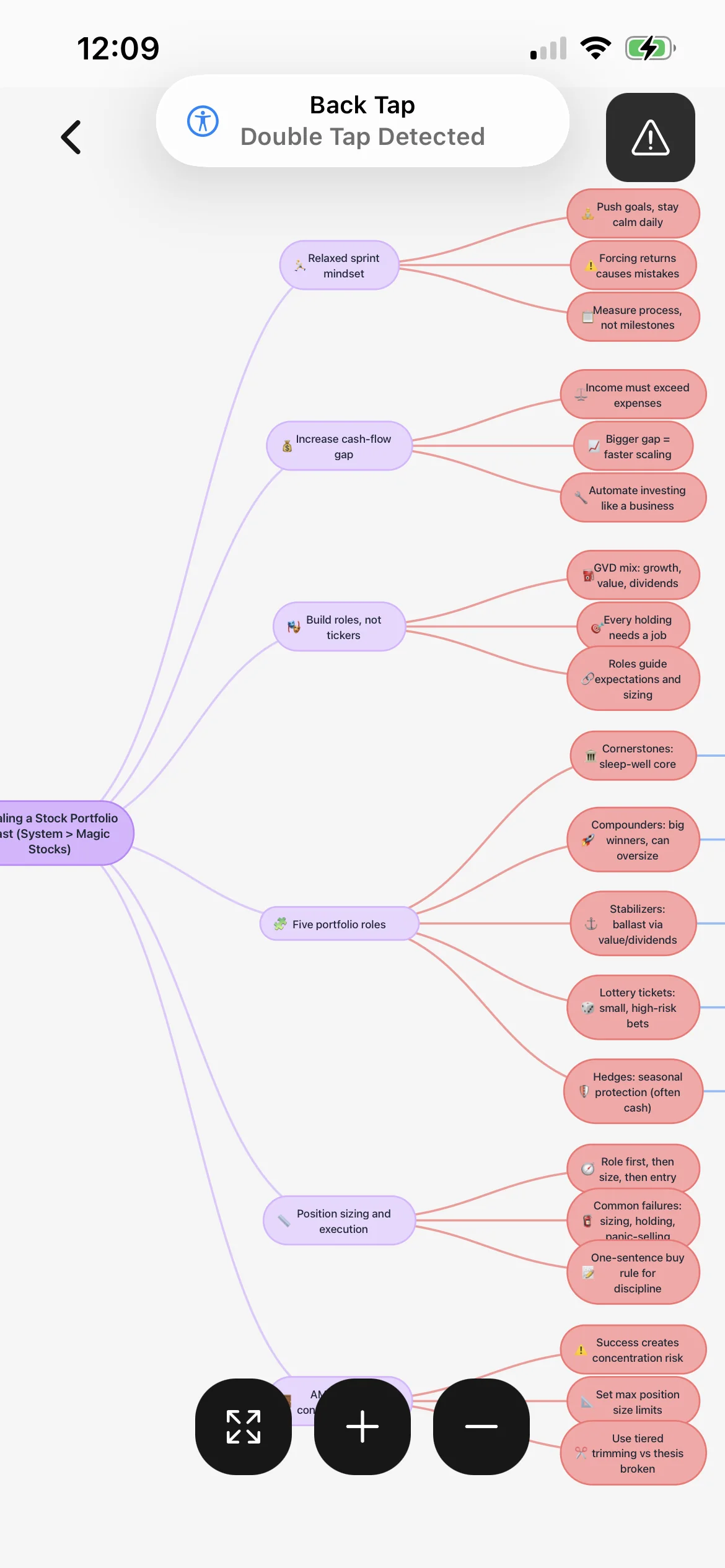
Group explanations by hierarchy, cause, sequence, contrast, or example even when the speaker returns to the same concept at several points in the recording.
Use the map for relationships and the checked transcript or audio for exact wording, qualifications, tone, and extended examples that do not fit in short nodes.
Add descriptions from the slide, board, or demonstration whenever the speaker uses phrases that the microphone captures without their visual meaning.
Workflow fit
From source to active study
Upload a coherent lesson or section, confirm permission, and split a long recording when it contains several unrelated objectives that need separate structures.
Correct names, terminology, numbers, and sequence. Mark whether each idea is a cause, stage, contrast, example, or condition before relying on the map.
Follow the map from the central topic, state why every connection belongs, and return to the recording when a node is vague or missing an important qualification.
A concrete example
A 47-minute lecture connecting energy flow, trophic levels, productivity, nutrient cycles, and two ecosystem examples shown on slides.
A useful result could include
Generated material is a study aid. Review important terminology, notation, and claims against your source.
Make the result better
BrainDen removes repetitive setup work. Your judgement, course context, and retrieval practice are what turn the result into learning.
A speaker may introduce, leave, and revisit an idea. Combine those passages under one concept rather than copying the recording order into separate branches.
When two nodes connect, identify whether one causes, enables, limits, contrasts with, or exemplifies the other instead of relying on proximity alone.
Close the map, sketch one branch, and explain its links before checking the result. Use any difference to guide the next transcript or audio review.
Questions and answers
Yes. Upload a supported audio file, review the transcript and structured note, and open its connected mind map after correcting key relationships.
The map is a simplified relationship view. Keep the transcript, note, and original audio available for fuller wording, examples, and qualifications.
Add the visual context from your permitted course material and verify graph, diagram, equation, and label details before studying the map.
Yes. File the source note in its course folder and link it to related slides, readings, examples, or prerequisite topics in BrainDen.
Continue in your connected library
Folders tell you where a note belongs. Links show how its ideas relate to the rest of what you know. Connect a concept to another lecture, reading, or course and use backlinks to find the relationship from either side.
Explore this featureOrganize your libraryA growing study library should match the way your course is actually structured. Build folders inside folders so lectures, readings, assignments, and revision topics stay easy to find.
Explore this featureKeep building your study system
Start with a focused lecture, tutorial, or study audio file, create a connected note, and choose the study tools that help you understand and remember it.