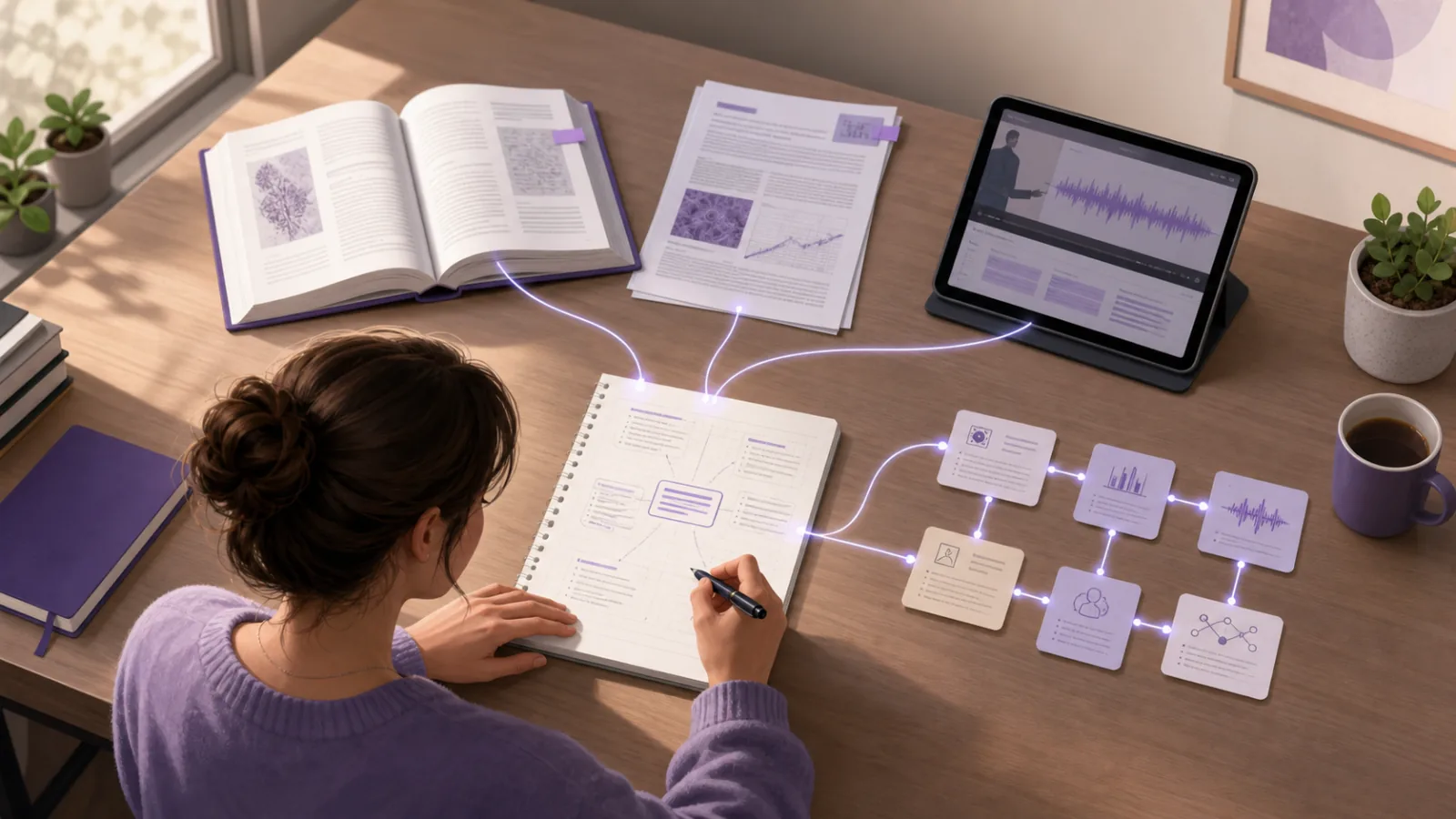
To take notes from multiple sources, keep one traceable note for each source first, then build a separate topic layer that compares their ideas. Record the author, title, page or timestamp beside every useful point. Group related claims by question or theme, label whether they agree, add detail, or conflict, and write your synthesis only after you can see those relationships.
This two-layer method lets you study across books, lectures, articles, videos, and PDFs without forgetting where an idea came from. It also prevents a polished master note from hiding uncertainty or turning several authors into one blurred voice.
Quick answer: Keep source notes accountable, organize the comparison by topic, preserve exact locators, label relationships, and write the final explanation in your own words.
Why notes from several sources become confusing
Each source usually arrives with its own structure. A lecturer explains ideas in teaching order. A textbook builds from definitions to examples. A journal article follows a research question and method. A video may place its best explanation several minutes after the main claim.
If you copy these sources into one document in the order you encounter them, three problems appear:
- repeated points take up space without becoming clearer
- quotes, paraphrases, and your own conclusions become difficult to distinguish
- disagreements disappear when similar-looking sentences are blended together
The solution is not to discard the originals or create one enormous permanent note. Use two connected layers:
- Source notes record what each source says and where it says it.
- Topic notes compare what the sources contribute to one question.
This separation preserves accountability while making synthesis possible. Purdue OWL explains that synthesis looks for relationships between sources and draws broader conclusions, while a summary mainly restates what a source says.
How to take notes from multiple sources step by step
1. Start with one question, not a pile of material
Write down what you are trying to understand before opening every tab and book.
Weak focus:
Take notes on memory
Useful focus:
How do working-memory models explain the effect of distraction during learning?
The useful version acts as a filter. A source belongs in the session only if it contributes a definition, mechanism, example, result, limitation, or competing interpretation.
For an assignment, use the question or one section of your outline. For exam revision, use a syllabus objective or a plausible exam prompt. For independent learning, choose a question you should be able to explain or apply when the session ends.
2. Create one accountable note per source
Give every book chapter, lecture, paper, video, or podcast its own source note before combining ideas across the set. Record:
- author, lecturer, or organization
- full title
- publication or lecture date when relevant
- URL, book details, or course location
- page, section, slide, or timestamp for important points
- the question this source helps you answer
The University of Westminster's note-taking guidance recommends recording the full reference before taking notes. That small step makes it much easier to return to the original and add an accurate citation later.
Do not rely on a browser tab title or a file called reading-final-2.pdf. Use a title you can recognize after the course has moved on.
3. Separate quotation, paraphrase, and response
Use visible labels so your future self can tell whose words are on the page:
- Quote: exact words, inside quotation marks, with a locator
- Paraphrase: the source's idea in your wording, with a locator
- Summary: the source's broader position, clearly attributed
- Response: your question, interpretation, criticism, or connection
- Uncertain: a point that needs checking before you use it
The labels do not need to be elaborate. Q, P, S, Mine, and Check are enough if you apply them consistently.
This matters even when the notes are only for studying. A paraphrase can change a condition or level of certainty. Return to the page or timestamp before turning the point into a flashcard, essay claim, or explanation.
4. Take selective notes in your own words
Do not transcribe each source from beginning to end. Capture only what serves the question you defined.
For each useful passage, write:
- the source's point in one or two sentences
- the evidence, example, or reasoning that supports it
- the exact locator
- why it matters to your question
- anything you do not yet understand
This creates a note you can evaluate rather than a smaller copy of the source. Westminster also advises students to question whether each note is relevant, duplicated elsewhere, or likely to support the task.
If an AI tool drafts a note from a PDF, recording, or video, treat the result as a working layer. Check technical terms, names, numbers, qualifications, and examples against the original before comparing it with other sources.
5. Build a topic matrix across the sources
Once every source has a checked note, build a matrix with themes as rows and sources as columns. On a narrow screen or a paper page, stack each row as a short comparison instead:
- Core definition: the lecture gives the concise course definition, the textbook adds two components, and the article uses a narrower operational definition. Your synthesis should state which definition fits the task.
- Mechanism: the lecture gives a classroom example, the textbook explains the process, and the article tests one part experimentally. Your synthesis should connect the explanation to the evidence.
- Limitation: the lecture does not discuss one, the textbook notes an exception, and the article reports a boundary condition. Your synthesis should keep that limit visible.
Keep each entry to short prompts and locators, not full paragraphs. The matrix should reveal patterns:
- agrees with: two sources support the same point
- adds detail: one source extends another
- contrasts with: sources interpret the issue differently
- uses differently: the same term has different meanings
- applies: a source shows the idea in a new setting
- corrects: later evidence changes an earlier note
Do not force every source into every row. An empty cell can show that a source does not address that part of the question.
6. Connect related notes without moving everything
Folders and links solve different problems. Keep each note in its stable course, project, or module location. Add a link when another note supplies evidence, a prerequisite, an example, or a meaningful disagreement.
Write the relationship beside the link:
The article narrows the lecture's general claim to timed tasks.
That sentence is more useful than a bare link called related. It tells you why following the connection will help.
BrainDen's links and backlinks feature keeps these relationships visible across folders while every source note stays intact. When you need one focused reading session, the multi-note reading feature can place selected notes in one continuous view without replacing the originals.
For a deeper linking method, see how to use bidirectional links for studying.
7. Write a synthesis that preserves disagreement
Now answer the original question in your own words. Organize the explanation around themes or claims, not around a sequence of source summaries.
Source-by-source writing sounds like this:
The lecture says A. The textbook says B. The article says C.
A synthesis makes the relationship explicit:
The lecture and textbook describe the same broad mechanism, but the article finds that it applies only under a specific task condition.
Use the matrix to check that every sentence has an accountable source and that your conclusion does not claim more than the evidence supports. Keep outliers visible. Purdue OWL specifically cautions against forcing relationships or ignoring sources that do not fit the broader conclusion.
8. Close the sources and test the result
A well-organized synthesis can still become passive reading. Finish with a task that requires you to use the relationship without looking:
- recreate one row of the matrix from memory
- explain why two sources disagree
- answer the original question in two minutes
- draw a concept map with source names hidden
- write one application question and solve it
Then reopen the checked notes, correct the exact gap, and add a locator if the correction depends on a specific passage.
A worked example with four source types
Imagine a psychology student studying the question:
How does sleep affect memory consolidation?
The student has a lecture recording, a textbook chapter, a review article, and a laboratory tutorial. They create four source notes rather than pasting everything into one file.
The lecture note records the course definition and a diagram timestamp. The textbook note adds stages of sleep and page references. The review-article note separates broad findings from the authors' limitations. The tutorial note explains how one experimental measure should be interpreted.
In the topic matrix, the student notices that all four sources discuss consolidation, but only two distinguish different sleep stages. The tutorial also warns against treating one memory test as a complete measure of learning. Those differences become part of the final explanation rather than being smoothed away.
The finished topic note contains:
- one definition appropriate to the course
- a short mechanism with source locators
- a comparison of what each source measures
- one limitation that remains unresolved
- three questions for closed-note retrieval
The four source notes stay separate. The topic note is a route through them, not a replacement.
A reusable multiple-source note template
Use this structure for each source:
Source:
Question this helps answer:
Main claim:
Evidence or example:
Important locator:
Limitations or conditions:
My response:
Links to other notes and why:
Needs checking:
Then use this structure for the topic note:
Guiding question:
Shared points:
Important differences:
Evidence by theme:
Unresolved conflicts:
My current synthesis:
Questions for retrieval:
Common mistakes when combining notes from different sources
Making one master document too early
Combining before checking source notes makes attribution and correction difficult. Preserve the source layer first.
Organizing only by author or file type
Source folders are useful for accountability, but synthesis needs themes and questions. A topic matrix gives you both views.
Removing repeated points automatically
Similar wording can hide different definitions, conditions, or levels of confidence. Compare before deleting.
Treating links as explanations
A network of unlabeled links shows navigation, not understanding. Record what the destination adds.
Writing your conclusion inside a source note
Keep the author's claim and your response visually distinct. This reduces accidental misattribution and makes later revision easier.
Final checklist for multi-source notes
Before ending the session, confirm that:
- every source has a recognizable reference and locator
- quotes, paraphrases, summaries, and your ideas are distinguishable
- notes were selected for one question or purpose
- important agreements and disagreements are labeled
- the synthesis is organized by theme rather than source order
- original source notes remain available for verification
- the final step tests recall, explanation, or application
Start with three sources and one narrow question. A small, traceable comparison is more useful than a large document whose claims you cannot recover.
Organize source notes and compare related readings with BrainDen, then continue with the recommended option for Web, iPhone & iPad, or Android.
See BrainDen more often in Google
Choose BrainDen as a preferred source for your Google Top Stories.
Turn your next source into a study system.
Create structured notes, flashcards, quizzes, mind maps, and active-recall practice from your own material.