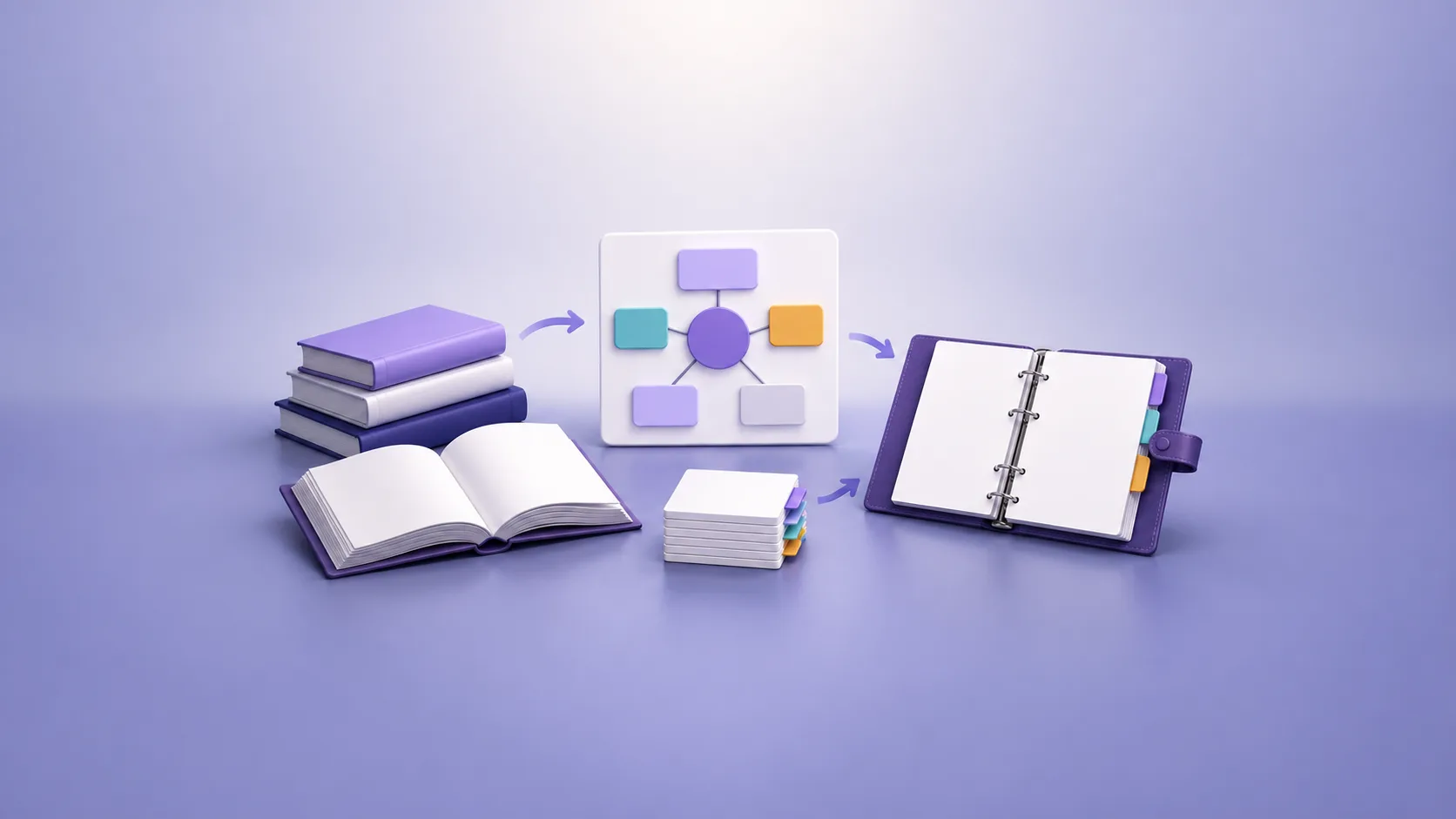
To organize notes for an open-book exam, build a small retrieval system instead of bringing every course file. Group material by examinable topic, create a one-page map, and add an index that points to exact notes, pages, formulas, or examples. Then practise timed questions with the same materials. Each slow search shows where your index or summaries need work.
First, check the exam rules. Some exams allow one sheet, while others allow printed notes, textbooks, or digital files. Your final system must match the permitted format.
Quick answer: Use one topic map, one source index, brief topic summaries, and a small set of high-value references. Practise finding and applying each item under timed conditions.
What should open-book exam notes help you do?
Good open-book exam notes support three tasks:
- Recognize which topic or method a question tests.
- Find the correct evidence, formula, example, or definition quickly.
- Apply that material in your own answer.
They should not replace your understanding. The University of Melbourne's open-book exam guidance explains that these exams often emphasize analysis, evaluation, synthesis, and application. It recommends learning the key concepts before the exam, then using organized notes as support.
This changes the purpose of your notes. A complete archive may help during normal study. An exam pack must help you make decisions under a time limit.
Check the exam rules before you organize anything
Find the official exam instructions in your course platform or handbook. If anything is unclear, ask your instructor before exam day.
Confirm these details:
- whether the exam is on campus, online, or take-home
- which printed or digital materials are allowed
- whether you can search files or use the internet
- whether you can use your own annotations
- which citation or reference format applies
- whether generative AI tools are permitted
- how much time you have for each section
Do not assume that “open book” means unrestricted access. UNSW's guidance notes that allowed materials vary between courses and exam formats. It also tells students to read the instructions carefully.
Create a short rule box at the top of your exam map. This prevents a well-organized but prohibited resource from entering the exam.
How to organize notes for an open-book exam step by step
1. Start with the assessed topics
List the topics in the syllabus, learning outcomes, revision guide, or assessment brief. Use the instructor's terms. These terms will probably appear in the exam questions.
Avoid starting with your file list. Files show when or where you studied. Topics show what you must retrieve.
For an economics course, the top level might be:
1. Demand and supply
2. Market failure
3. Macroeconomic indicators
4. Fiscal and monetary policy
5. International trade
Place each lecture, reading, tutorial, and practice problem under one primary topic. Add a cross-reference when one item supports several topics.
If your current library is difficult to scan, first use the workflow in how to organize study notes digitally. Keep the stable course structure separate from the temporary exam pack.
2. Build a one-page exam map
The exam map gives you a view of the whole course. It does not contain every fact.
For each topic, add:
- one sentence that states the central idea
- two to five key terms
- the main question types
- one important example or case
- the location of the detailed notes
Keep the layout consistent. You should be able to scan the page and choose a starting point within seconds.
The map can be a table, outline, or concept map. Use the format that matches the course. A table suits cases and comparisons. A concept map suits systems with strong dependencies.
3. Create a source index
An index answers, “Where is the exact support for this point?” It connects each topic to a precise source location.
Use columns like these:
| Topic or task | Source pointer and purpose |
|---|---|
| Price elasticity | Lecture 4 note, section 3: definition and graph |
| Externalities | Textbook chapter 7, pages 214–219: worked policy example |
| Inflation calculation | Tutorial 5, problem 2: formula and method |
| Monetary policy limits | Reading summary, paragraphs 4–6: evidence and counterpoint |
Use exact page numbers, headings, or note links. “See textbook” still creates a search problem.
For digital notes, keep links close to the related concept. Links and backlinks between notes can connect a summary to the lecture, reading, or example that supports it. The original note can remain in its course folder.
4. Write brief topic summaries
Create one summary for each major topic. Keep it short enough to scan without repeated scrolling or page turning.
A useful topic summary contains:
- the central claim or process
- key definitions in your own words
- formulas with variable meanings and units
- one worked example
- common exceptions or limitations
- likely comparison points
- source pointers for detail
Do not copy long textbook passages. The summary should help you decide what to say. The source should help you verify a detail.
The University of Melbourne recommends organizing materials around key concepts and adding page numbers to summaries. It also recommends connecting related topics. This approach keeps the summary compact without breaking its source trail.
5. Organize by question type within each topic
Open-book exams can include essays, short answers, calculations, case analysis, or multiple-choice questions. Each format needs different support.
For essay questions, prepare:
- definitions for key terms
- argument and counterargument pairs
- evidence with source locations
- comparison criteria
- examples that test the limits of a claim
For calculation questions, prepare:
- a clean formula sheet
- variable names and units
- one solved example per method
- common error checks
- links to longer worked problems
For case questions, prepare a short decision framework. List the facts to identify, the concepts to apply, and the evidence needed.
Do not write fixed model answers for guessed questions. They can make you force an unsuitable answer onto the real task. Prepare reusable parts instead.
6. Separate core notes from backup material
Use two layers.
The core layer contains the exam map, index, topic summaries, formulas, and high-value examples. This is your first search area.
The backup layer contains full lecture notes, readings, slides, and detailed problem sets. Open it only when the core layer cannot answer a precise need.
This structure reduces clutter. UNSW advises students to select resources carefully because too many materials can slow retrieval and crowd the workspace.
For digital files, a clear folder structure can look like this:
Open-book exam
├── 00 Exam rules
├── 01 Exam map and index
├── 02 Topic summaries
├── 03 Formulas and methods
├── 04 Evidence and examples
├── 05 Practice questions
└── 90 Backup source notes
Numbering keeps the core materials in a fixed order. Do not create a new copy of every source. Link to the original when the exam system permits it.
7. Remove notes that do not earn their place
Review every item in the exam pack. Ask three questions:
- Which exam task does this item support?
- Can I find its important point quickly?
- Is a clearer source already present?
Remove duplicates, decorative summaries, and unverified material. Keep one dependable route to each detail.
If several notes cover one topic, read them together during preparation. Then keep the originals separate and create one focused index. The guide to combining lecture notes for exam revision explains this workflow.
8. Test retrieval under exam conditions
Organization is not finished when the folders look tidy. It is finished when you can use them during a timed question.
Choose three to five representative questions. Use the same notes, device, and restrictions that the real exam will allow. Set a realistic timer.
Record each delay:
- you did not recognize the topic
- the index term did not match the question
- the source pointer was too broad
- two files contained conflicting versions
- the example lacked a method or conclusion
- the answer needed evidence you had not prepared
Fix the system after each practice round. Add an alias to the index, shorten a summary, or move a vital example into the core layer.
The University of Sheffield recommends timed practice with past papers or self-made questions. It also suggests recording topics that took too long to find. Cornell's Learning Strategies Center advises using the same resources allowed in the real exam during practice.
Two example note systems
Example: an essay-based history exam
Create one topic summary for each period or debate. Give each summary four fixed sections: claim, evidence, counterpoint, and source.
Your index might connect “industrial policy” to two lecture sections, one historian's argument, and one primary source. The topic map shows how industrial policy connects to labor, trade, and political change.
During practice, choose a question that crosses two topics. Test whether your links reveal the relationship without a broad search.
Example: a quantitative finance exam
Create one method page for each calculation type. Include the formula, variable definitions, decision conditions, and one checked example.
Keep a separate error checklist. Include unit mismatches, sign errors, incorrect periods, and rounding rules that your course uses.
Your index should map question wording to methods. For example, “present value of uneven cash flows” should point to the exact method page and practice problem.
Common mistakes to avoid
Bringing every note
More material creates more possible search paths. Keep the core pack small and the backup layer deliberate.
Organizing only by lecture date
Dates help you archive a course. Exam questions usually use concepts, methods, or themes. Build the exam layer around those terms.
Depending only on search
Search can find a word without finding the correct idea. It can also fail when a question uses a synonym. Use a topic map and index first.
Treating notes as finished answers
Your notes supply support. You must still interpret the question and form your own answer. Check your course's academic integrity rules before using any outside tool.
Skipping timed practice
An index can look complete but fail under pressure. Timed practice reveals unclear labels, missing pointers, and slow routes.
Final checklist
Before exam day, confirm that:
- every resource follows the official rules
- the exam map covers all assessed topics
- every index entry points to an exact location
- each topic summary is brief and readable
- formulas include variables, units, and one checked example
- evidence includes its source location
- backup material does not hide the core pack
- you tested the system with timed questions
- you fixed every slow or broken search path
Your goal is not a perfect archive. Your goal is a dependable route from question to concept, source, and answer.
If your course material sits across lectures, readings, PDFs, and notes, use BrainDen's digital note organization tool to build nested folders, connect related notes, and review the right set together.
See BrainDen more often in Google
Choose BrainDen as a preferred source for your Google Top Stories.
Turn your next source into a study system.
Create structured notes, flashcards, quizzes, mind maps, and active-recall practice from your own material.