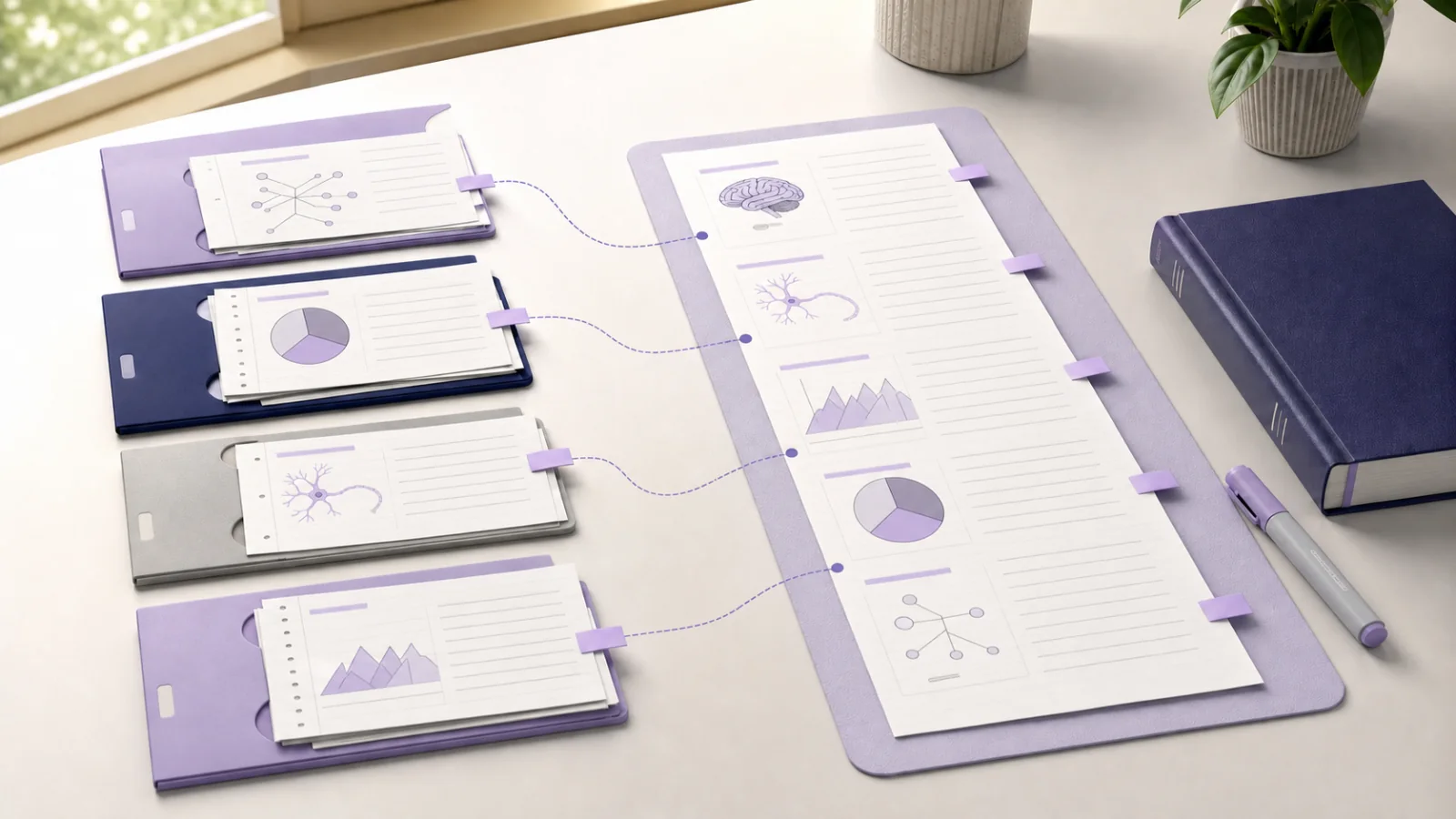
To combine lecture notes for exam revision, organize them by exam topic rather than by lecture date. Select the notes, readings, tutorial examples, and practice questions that answer one syllabus objective. Keep every original intact, then create a temporary revision layer that removes repetition, records disagreements, and turns the important ideas into prompts you can answer without looking.
You do not need one enormous new note. A focused selection is easier to verify, update, and study than a document containing everything from the course.
Quick answer: Choose one exam objective, gather the few notes that cover it, check each note against its source, arrange them in a useful order, condense repeated material into a short topic outline, and finish with closed-note retrieval.
What does it mean to combine lecture notes?
For revision, combining notes means bringing related material into one study session. It does not have to mean copying every sentence into a permanent master document.
Think of the workflow as three layers:
- Original notes: Separate lecture, reading, tutorial, laboratory, and problem-set notes with their sources.
- Topic selection: The notes needed for one exam objective, arranged so you can read or compare them together.
- Revision layer: A short outline, table, question list, timeline, or process map built from the checked selection.
The original notes preserve context. The topic selection gives you a complete view. The revision layer helps you retrieve and apply the material.
This distinction prevents a common problem: creating a polished revision document, then forgetting which lecturer, page, example, or correction supported a claim.
Why organize revision by topic instead of lecture date?
Courses are usually taught in sequence, but exam questions often connect material across several weeks. A question about memory, for example, may require a definition from Lecture 3, a study from Lecture 5, a criticism from a seminar, and an application from a later tutorial.
If you revise only one lecture at a time, those relationships remain scattered. If you paste every lecture into one file, the important relationships may disappear inside repeated explanations.
Sheffield Hallam University's guidance on what to do after a lecture recommends consolidating notes according to how the information will be used. For revision, it advises turning lecture notes into a versatile resource rather than simply copying them again.
Start with the syllabus, learning outcomes, past-paper themes, or lecturer-provided exam guidance. These give you stable topic boundaries. Dates can remain in titles and source details, but the revision set should answer a question such as:
- How do the main theories of attention differ?
- Which stages control gene expression?
- What caused the policy change, and what evidence supports each explanation?
- When should each statistical test be used?
How to combine lecture notes for exam revision step by step
1. Define one revision objective
Write a result you can test at the end of the session.
Weak objective:
Revise Weeks 4 to 7
Better objective:
Compare three models of working memory, including evidence and one limitation for each
The better version tells you which notes belong in the selection and what the finished revision layer must contain.
2. Gather only the sources that answer it
Start with a small set:
- the main lecture note
- one related reading or textbook note
- a tutorial, laboratory, or worked example
- a correction or feedback note
- relevant practice questions
Do not add a source merely because it shares a course label. Every item should contribute a definition, explanation, example, contrast, piece of evidence, limitation, or application.
If your study library is already organized by semester, course, and module, use the folder structure to locate material. Our guide to organizing study notes digitally explains how folders can preserve course location while links record relationships across notes.
3. Check the originals before condensing
Revision makes mistakes more expensive because one incorrect summary may be repeated across flashcards, practice answers, and group discussions.
Before building the topic view:
- Confirm each note has a descriptive title.
- Keep the lecture recording, slide deck, PDF, page reference, or citation available.
- Check names, dates, formulas, definitions, units, and conditions.
- Mark uncertain points instead of silently completing them.
- Separate the lecturer's claim from your interpretation.
If two notes disagree, do not choose the smoother sentence. Return to the approved course source or record the disagreement as a question to resolve.
4. Choose an anchor note
Pick the note that best matches the revision objective. This is usually the lecture where the topic was introduced or the note that follows the syllabus structure most closely.
Use the other notes to add specific layers:
- a reading adds evidence or detail
- a tutorial adds an application
- a later lecture adds a limitation or development
- feedback corrects a misconception
- a practice question shows the required answer form
The anchor gives the session a stable order without pretending that one source contains everything.
5. Remove repetition without deleting context
When several notes define the same term, keep the clearest checked version in your revision layer. Then record any meaningful difference.
Use simple labels:
- same point: repeated explanation, no need to copy again
- adds detail: new condition, step, or example
- contrasts: different interpretation or result
- corrects: later clarification or feedback
- applies: worked example or practice question
Keep the original notes separate. A later assignment may need the full reading explanation even if the exam outline needs only one sentence.
6. Arrange the notes in study order
Chronological order is useful when sequence matters. For most exam topics, another order is clearer:
- core definition or problem
- main process, model, or argument
- evidence and examples
- contrasts and limitations
- application or practice question
BrainDen's multi-note reading feature lets you select several notes and read them continuously while the originals remain separate and editable. Links and backlinks can also preserve why one lecture relates to another through the linked-notes workflow.
Whether you use an app or paper, the principle is the same: create one route through the material without destroying its source structure.
7. Build the smallest useful revision layer
Now condense the selection into a format that matches the exam task.
| Exam task | Useful revision format |
|---|---|
| Compare theories | Table with claims, evidence, strengths, and limitations |
| Explain a process | Ordered flow with conditions and exceptions |
| Build an argument | Outline with claim, evidence, counterargument, and conclusion |
| Recall events | Timeline with causes, changes, and consequences |
| Apply a method | Decision guide plus worked and unworked examples |
The Open University recommends summarising notes from several collected sources, drawing together the main points under headings, and reducing them further to key words. Its suggested tables are particularly useful for comparing theories or themes.
Treat one-page compression as an option, not a universal rule. A topic should be short enough to scan but complete enough to preserve the conditions that make an answer correct.
8. Close the notes and retrieve
Reading several notes together improves coverage, but coverage is not the final test. Close the topic view and answer the revision objective from memory.
Try one of these:
- write the outline on a blank page
- explain the topic aloud in two minutes
- recreate the comparison table with empty cells
- answer one past-paper question without notes
- draw the process and label its conditions
Then compare your attempt with the checked selection. Add only the missing relationship, exception, or example. For a complete retrieval routine, use our guide to active recall with flashcards and quizzes.
A worked example: four psychology lectures
Imagine an exam objective that asks you to compare models of attention.
The student's material includes:
- Lecture 2: core definitions and the first model
- Lecture 4: a competing model and two studies
- Seminar 3: an applied case
- Lecture 7: criticisms and later developments
- Tutorial feedback: a correction to a common interpretation
The student uses Lecture 2 as the anchor, then orders the other notes by model, evidence, application, and criticism. Repeated definitions are represented once in a comparison table. Conflicting interpretations remain attached to their original sources until the student checks the assigned reading.
The finished revision layer contains:
- one definition of attention
- one row for each model
- supporting evidence and a limitation for every model
- the seminar application
- three questions to answer without looking
The five original notes remain unchanged. The revision table is a temporary route through them, not a replacement.
How to combine textbook and lecture notes
Use the lecture note as the course-priority map and the textbook note as an explanation layer.
Add textbook material when it:
- clarifies a compressed lecture point
- supplies a required definition
- explains a method or study in more detail
- gives evidence named in the lecture
- helps resolve a question you marked
Do not copy an entire textbook section into the revision layer. Keep the chapter note or page reference connected so you can return to the full explanation.
A University of North Carolina peer tutor describes condensing six slide decks into a smaller exam resource, then combining that approach with practice problems. It is a useful example of selection, but not a rule that every topic must fit on one sheet.
Common mistakes when consolidating lecture notes
Building one master note for the whole course
Large documents become difficult to verify and update. Build topic selections that match real exam objectives.
Removing duplicate wording before checking meaning
Two similar sentences may contain different conditions. Compare the sources before keeping one version.
Copying without recording relationships
Label whether a note adds evidence, gives an example, corrects a point, or challenges an explanation.
Condensing before understanding
Short notes are not automatically clear notes. If you cannot explain why a point matters, return to the source before abbreviating it.
Stopping at a polished revision sheet
Use the sheet as a prompt, then retrieve, solve, compare, or explain without looking.
Final multi-note revision checklist
Before ending the session, confirm that:
- the selection answers one specific exam objective
- every included note adds something useful
- original notes and source references remain intact
- repeated material has been checked before being shortened
- disagreements and uncertainties are visible
- the revision format matches the exam task
- the final step requires retrieval or application
Start with one topic that currently feels scattered. A focused revision set will show you whether the missing piece is a source, a relationship, or your own recall.
Review several BrainDen notes together for your next exam topic, while keeping every original lecture and reading note separate.
See BrainDen more often in Google
Choose BrainDen as a preferred source for your Google Top Stories.
Turn your next source into a study system.
Create structured notes, flashcards, quizzes, mind maps, and active-recall practice from your own material.