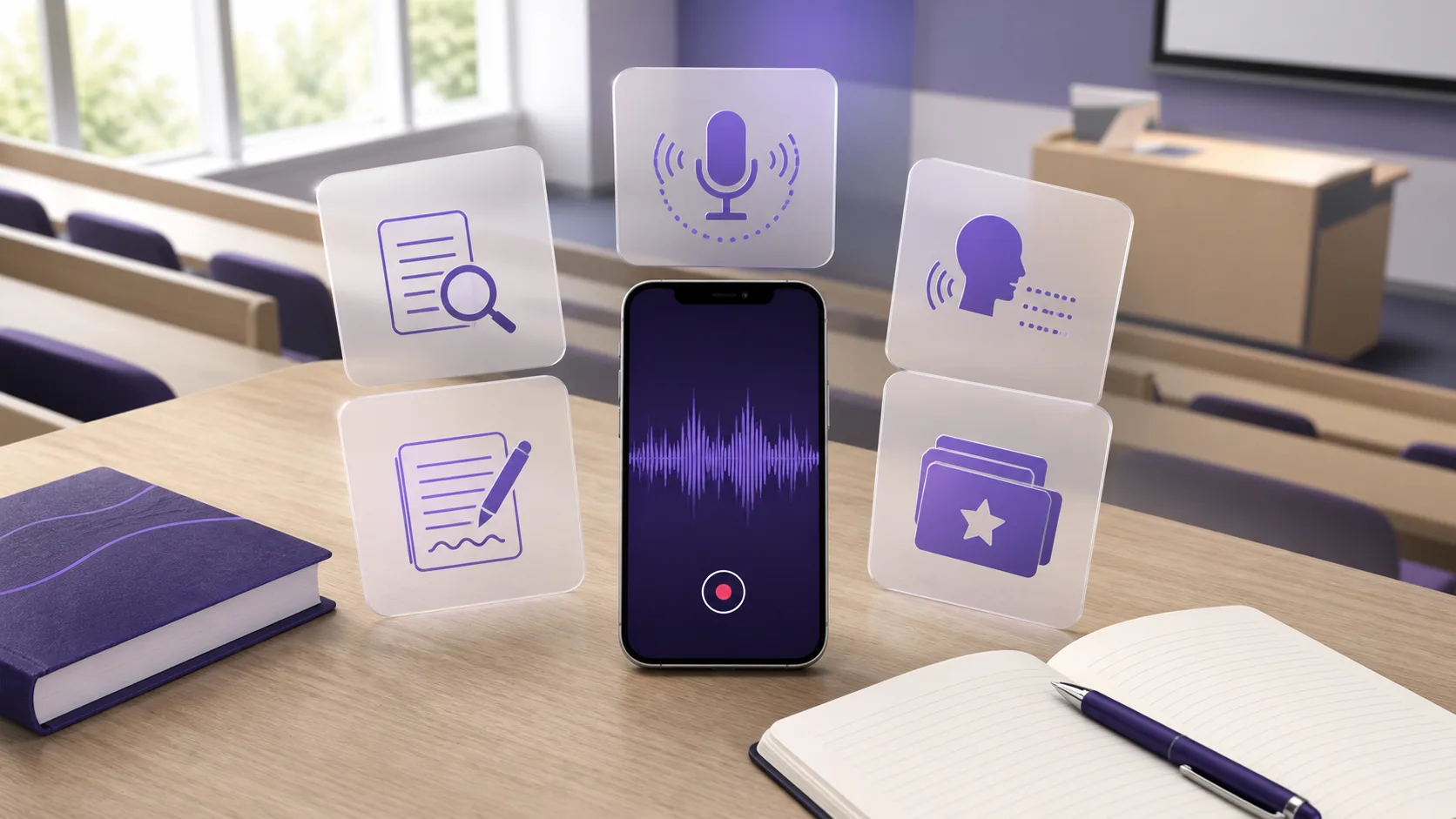
The best free lecture recording app for students depends on what must happen after class. Choose Apple Voice Memos for simple iPhone capture. Choose Google Recorder for searchable transcripts on a Pixel. Choose Notability when handwriting must stay linked to audio. Choose Otter when live transcription matters most. Choose BrainDen when you want the recording to become structured notes and active-recall practice.
No option is best for every student. Device support, free limits, transcription, and study features differ. This guide compares the free access available on 2 September 2026. It also explains which limitation to test before you record a full course.
Best free lecture recording apps at a glance
| App | Best free use and main limit |
|---|---|
| BrainDen | Turn a lecture into notes and recall practice. Free accounts have initial usage limits. |
| Apple Voice Memos | Record reliably on an iPhone. Transcription requires iPhone 12 or later and a supported language. |
| Google Recorder | Search transcripts on Pixel 3 or later and Pixel Tablet. Other Android devices are unsupported. |
| Notability | Synchronize handwriting or typed notes with audio. Official pages disagree about the Starter note allowance. |
| Otter | Get live transcription with speaker identification. Each free conversation is limited to 30 minutes. |
Prices and limits were checked on 2 September 2026. Promotions, taxes, currencies, and storefront prices can change. Check the final purchase screen before you subscribe.
How we compared the apps
A useful lecture recorder must do more than capture sound. We compared each app across six student tasks:
- Start reliably: Can you begin a recording without a long setup?
- Capture clearly: Can you pause, resume, and review the audio?
- Find information: Does the app provide a transcript, search, or synchronized notes?
- Study afterward: Can you turn the lecture into an editable note or recall practice?
- Keep control: Can you choose whether to sync, share, export, or delete the recording?
- Stay useful for free: Does the free plan support a real lecture, not only a short demo?
The free limit deserves special attention. One class can last 45 to 90 minutes. A generous monthly allowance can still fail when each recording has a shorter cap.
1. BrainDen: best for turning recordings into study material
BrainDen fits students who want one path from a live lecture to a structured study system. You can record a lecture, keep the transcript, review a generated note, and create flashcards, quizzes, mind maps, or Explain It Back practice from the same material.
That connected workflow is its main advantage. You do not need to copy a transcript into a separate quiz tool. The source stays attached, so you can check names, numbers, formulas, and unclear passages before revision.
BrainDen is free to start without a card. Paid subscriptions use monthly, six-month, and annual billing. Exact prices and offers can vary by platform and storefront, so BrainDen does not publish one universal upgrade price.
Choose BrainDen if: your real goal is a checked note and a next study action, not an audio archive.
Choose another app if: you only need a basic recorder with no processing or study tools.
For a complete capture process, read how to record lectures and turn them into study notes.
2. Apple Voice Memos: best for simple iPhone recording
Voice Memos is the simplest choice for students who already use an iPhone. Apple says the app can record classroom lectures with the built-in microphone, a headset, or an external microphone. You can pause, resume, trim, replace, and continue a recording.
Recordings can update across an iPhone, iPad, and Mac when you enable Voice Memos in iCloud. This makes Voice Memos useful when you want to record on a phone and review on a larger screen.
Apple also provides live and post-recording transcription on supported phones. Its Voice Memos transcription guide says transcription requires iPhone 12 or later. It supports a defined language list and is unavailable in some regions.
Voice Memos has no separate subscription price. It is included with supported Apple hardware. The tradeoff is that it remains a recorder first. You must move the transcript into another workflow if you want structured study notes or active-recall practice.
Choose Voice Memos if: you want dependable capture with minimal setup on an iPhone.
Choose another app if: you need Android support or automatic study activities.
3. Google Recorder: best free transcript on a Pixel
Google Recorder is a strong free option for students with compatible Pixel hardware. Google says Recorder works on Pixel 3 and later phones and Pixel Tablet. It can record audio, create searchable transcripts, and support transcript editing in available languages.
The app keeps recordings on the device unless you choose another action. Google's Recorder storage guide explains that backup and sync are optional. Backed-up recordings remain private to your Google Account by default.
You can share an audio file, transcript, Google Docs copy, or recording link. Google's sharing guide also documents a direct transcript handoff to NotebookLM.
Recorder has no separate subscription price on a compatible device. The hardware restriction is its largest limitation. Some language detection and summary features also require newer Pixel models.
Choose Google Recorder if: you own a Pixel and want fast, searchable transcription with optional cloud backup.
Choose another app if: you use an iPhone, a non-Pixel Android phone, or need built-in recall practice.
4. Notability: best for notes synchronized with audio
Notability fits students who write or type during a lecture. Its key feature is Note Replay. Audio recordings link to annotations, so you can tap a word, sketch, or photo and jump to that moment in the recording.
The official audio recording guide also documents trimming, splitting, playback speeds, Voice Boost, and audio export. Notability recommends starting a new recording after one hour because recordings can split into one-hour sections.
The free Starter plan includes audio recording and a monthly editing allowance. However, Notability's public pricing details conflict. The current pricing page lists Starter at $0 with five free notes. Its subscription FAQ, updated in March 2026, says Starter includes unlimited notes. Confirm the allowance shown inside your app before moving a semester of material.
Notability currently lists Lite at $11.99 per year, Plus at $15.99 per year, and Pro at $79.99 per year. These displayed prices are promotional USD prices and can vary. Plus adds automatic audio transcription after a recording. Pro adds unlimited live transcription and other AI features.
Choose Notability if: you take handwritten or typed notes and want each mark synchronized with the lecture audio.
Choose another app if: you need a stable, clearly documented free allowance or a learning-first workflow across mixed source types.
5. Otter: best for live transcription across devices
Otter fits students who value a live transcript, speaker identification, and broad device access. Its Basic plan supports live recording and transcription, audio playback, iOS, Android, Mac, Windows, and several transcription languages.
The free limits matter. Otter's official pricing page lists 300 transcription minutes each month, a maximum of 30 minutes per conversation, and three lifetime file imports. A 60-minute lecture therefore exceeds the free per-conversation limit, even when monthly minutes remain.
Otter Pro is listed at $16.99 per user each month. The annual option is shown as $8.33 per user each month when billed yearly. Pro increases the in-app recording allowance and raises the per-conversation limit to 90 minutes.
Otter is designed broadly for meetings and conversations. It can capture a lecture well, but it does not lead with a student workflow for turning verified material into flashcards, quizzes, or linked course notes.
Choose Otter if: live transcription and speaker separation matter more than built-in study practice.
Choose another app if: most lectures exceed 30 minutes and you want to remain on a free plan.
Which free lecture recorder should you choose?
Use your device and repeated task to decide:
- Use BrainDen when you want a recording, transcript, structured note, and active-recall tools in one place.
- Use Voice Memos when you have an iPhone and only need reliable audio capture.
- Use Google Recorder when you have a Pixel and want searchable transcripts without a separate subscription.
- Use Notability when your handwritten or typed marks must stay synchronized with the audio.
- Use Otter when you need live multi-speaker transcription and your sessions fit the free time limit.
Test one real lecture before you commit. Check whether the microphone captures the lecturer from your usual seat. Search the transcript for one technical term. Correct one mistake. Export or delete the recording. Then return three days later and see whether you can find the needed explanation quickly.
Record only when your course allows it
Permission rules differ across institutions, courses, and locations. Check the syllabus and ask the instructor before recording. Pause when a discussion includes personal or sensitive information.
Stanford's lecture recording policy requires instructor or accessibility-office permission. It also limits approved recordings to personal use. Your institution can use different rules, so its current policy controls your decision.
Do not publish or share a lecture recording only because the app offers a share button. A private study copy and a public link create different risks.
Final recommendation
There is no universal winner. Apple Voice Memos and Google Recorder give supported-device owners the simplest free capture. Notability is stronger when notes must follow the audio timeline. Otter is useful for live transcription, but its free 30-minute conversation limit is restrictive for classes. BrainDen is the best fit when the finished result must support revision, not only playback.
Record a lecture and turn it into structured study notes with BrainDen, with Web, iPhone & iPad, and Android choices kept visible.
See BrainDen more often in Google
Choose BrainDen as a preferred source for your Google Top Stories.
Turn your next source into a study system.
Create structured notes, flashcards, quizzes, mind maps, and active-recall practice from your own material.