
Test understanding after the timeline stops
Answer from memory instead of scrubbing back to a familiar phrase, then reopen the exact explanation only when feedback reveals a gap.
A tutorial can feel clear while it is playing because the explanation and visuals are still in front of you. Paste an accessible educational YouTube link into BrainDen, review the structured note for details the spoken content may not capture, and take a quiz without replaying the answer first.
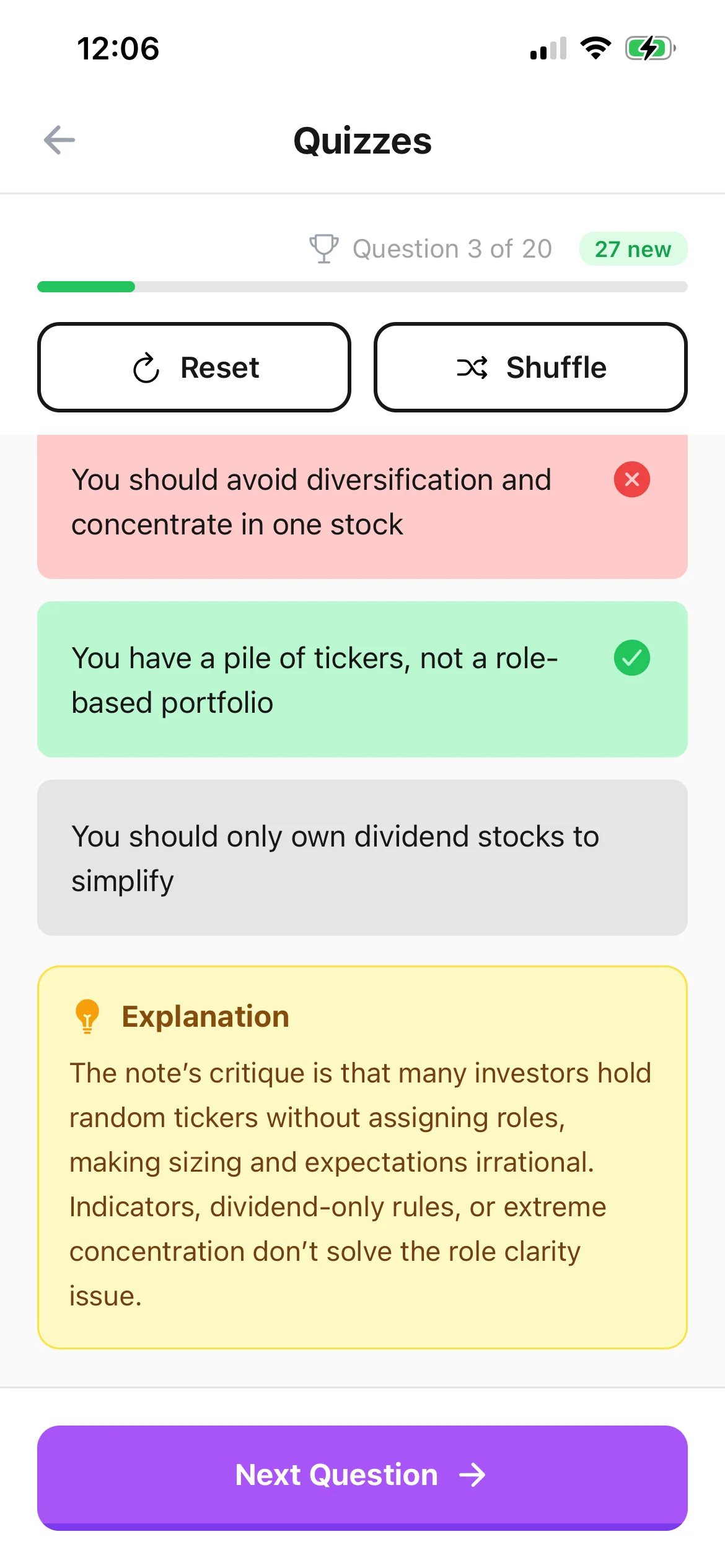
Answer from memory instead of scrubbing back to a familiar phrase, then reopen the exact explanation only when feedback reveals a gap.
Add the meaning of diagrams, demonstrations, equations, or code changes when the narration alone does not express what the learner needs to know.
File the note in its module folder and link it to the lecture or reading that led you to the video so the explanation remains discoverable.
Workflow fit
From source to active study
Use an educational video with a clear topic and accessible spoken content. Private, restricted, unavailable, or unsuitable videos may not be processable.
Correct names, notation, sequence, and examples. Add visual details manually when a diagram or demonstration carries meaning beyond the spoken words.
Take the quiz without the video open, use feedback to identify the missing idea, and return to the original segment for context rather than rewatching everything.
A concrete example
A 19-minute tutorial explaining recursion with a call-stack diagram, two code examples, and a warning about missing base cases.
A useful result could include
Generated material is a study aid. Review important terminology, notation, and claims against your source.
Make the result better
BrainDen removes repetitive setup work. Your judgement, course context, and retrieval practice are what turn the result into learning.
Pause for visual relationships, notation, and physical steps. The note needs that context before a quiz can ask an accurate question about it.
If the video teaches a procedure, include a small new example or decision rather than only asking for the instructor's exact wording.
Use content you are allowed to study and return to the creator's video for attribution, exact quotations, visual demonstrations, and full context.
Questions and answers
Paste the URL into BrainDen's YouTube import, review the structured note, add missing visual context, and open the connected quiz view.
No. Processing depends on whether BrainDen can access suitable video content. Private, restricted, unavailable, or unsupported videos may not work.
Spoken content is the starting point. Add important visual relationships, equations, code, or physical steps to the note before relying on the quiz.
The quiz stays connected to its video note, and that note can link to lectures, readings, or prerequisite topics elsewhere in your library.
Continue in your connected library
Folders tell you where a note belongs. Links show how its ideas relate to the rest of what you know. Connect a concept to another lecture, reading, or course and use backlinks to find the relationship from either side.
Explore this featureOrganize your libraryA growing study library should match the way your course is actually structured. Build folders inside folders so lectures, readings, assignments, and revision topics stay easy to find.
Explore this featureKeep building your study system
Start with an accessible educational YouTube video, create a connected note, and choose the study tools that help you understand and remember it.