
See ideas beyond the timeline
Bring explanations from the beginning and end of a video into one map when they contribute to the same process, comparison, or system.
A video timeline hides how ideas introduced at different moments belong together. Paste an educational YouTube link into BrainDen, review the structured note, and open its mind map to inspect the hierarchy, contrasts, and causal links. Return to the video whenever a diagram or demonstration carries meaning the transcript cannot preserve.
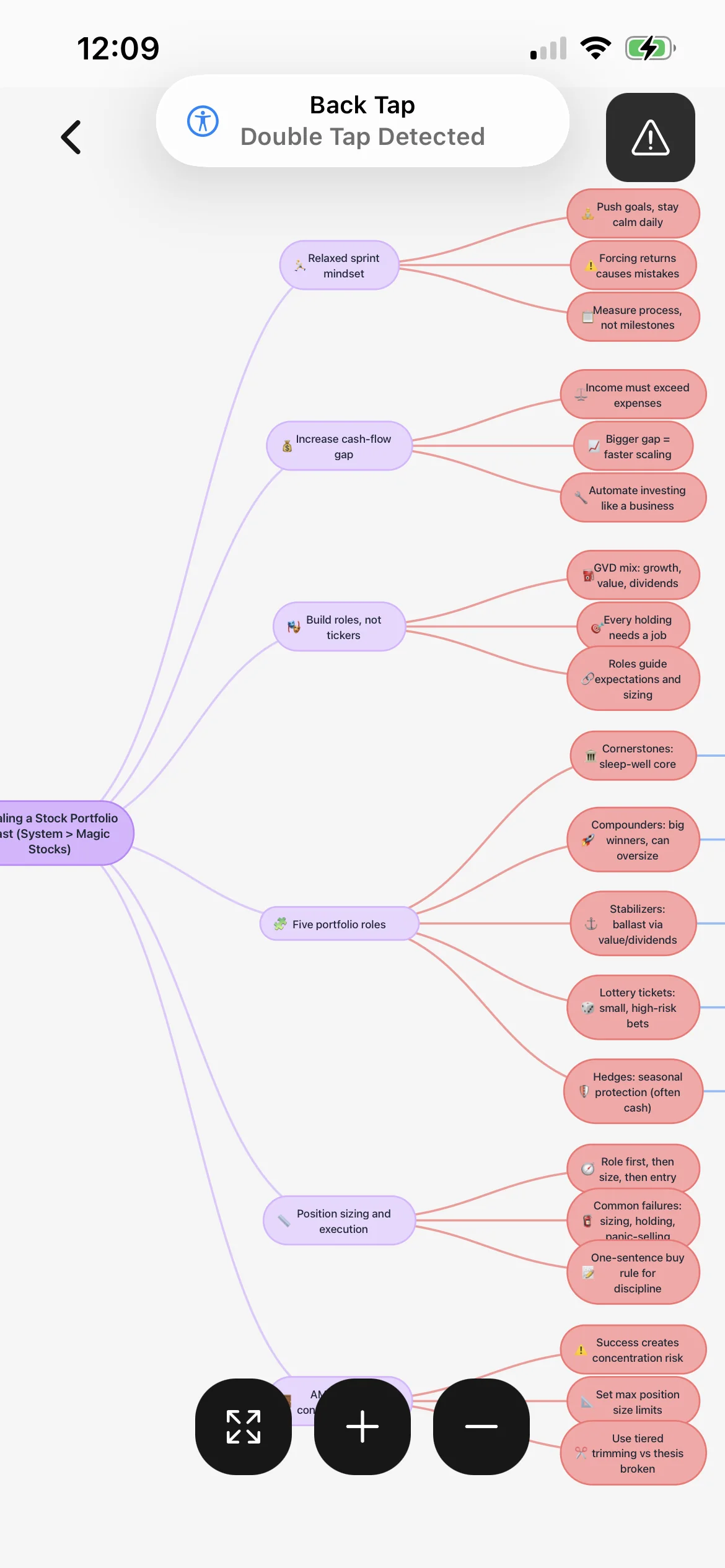
Bring explanations from the beginning and end of a video into one map when they contribute to the same process, comparison, or system.
Use the map for conceptual structure, then return to the original timestamp for diagrams, notation, demonstrations, and exact visual evidence.
Link the note to a lecture, textbook chapter, or prerequisite concept instead of leaving an external explanation separate from the rest of your library.
Workflow fit
From source to active study
Use a lecture or tutorial that explains one coherent topic. Private, restricted, unavailable, or mostly visual videos may not provide enough accessible content.
Correct terminology and add details from important diagrams or demonstrations. Remove tangents that do not support the learning objective you selected.
Follow each branch, explain the relationship in your own words, and compare the map with the video and note before using it as a recall prompt.
A concrete example
A 24-minute video explaining divergent, convergent, and transform boundaries with animated cross-sections and examples from real regions.
A useful result could include
Generated material is a study aid. Review important terminology, notation, and claims against your source.
Make the result better
BrainDen removes repetitive setup work. Your judgement, course context, and retrieval practice are what turn the result into learning.
A useful branch groups concepts by hierarchy, cause, contrast, or sequence. It does not need to repeat every section in the order the presenter spoke.
When the speaker refers to an on-screen object, check the frame yourself and add the missing label. Do not let a text-only interpretation invent what the image showed.
Close the video and map, sketch one major branch, then compare it with the checked note. The difference reveals which relationships still need study.
Questions and answers
Paste a supported public YouTube link into BrainDen, review the generated note, and open its connected mind map. Add any important visual detail the spoken content did not capture.
No. Access depends on the video's availability and processable content. Private, restricted, unavailable, or unsuitable videos may not be supported.
No. Use it to understand structure and practise relationships, but return to the original video for demonstrations, diagrams, exact quotations, and creator context.
Yes. The source note can live in a course folder and link to related BrainDen notes, while backlinks help you follow the relationship in either direction.
Continue in your connected library
Folders tell you where a note belongs. Links show how its ideas relate to the rest of what you know. Connect a concept to another lecture, reading, or course and use backlinks to find the relationship from either side.
Explore this featureOrganize your libraryA growing study library should match the way your course is actually structured. Build folders inside folders so lectures, readings, assignments, and revision topics stay easy to find.
Explore this featureKeep building your study system
Start with an explanation-rich YouTube study video, create a connected note, and choose the study tools that help you understand and remember it.