
Capture the paper's actual question
State the problem the authors investigate and the contribution they claim before collecting interesting details that may not answer your reading purpose.
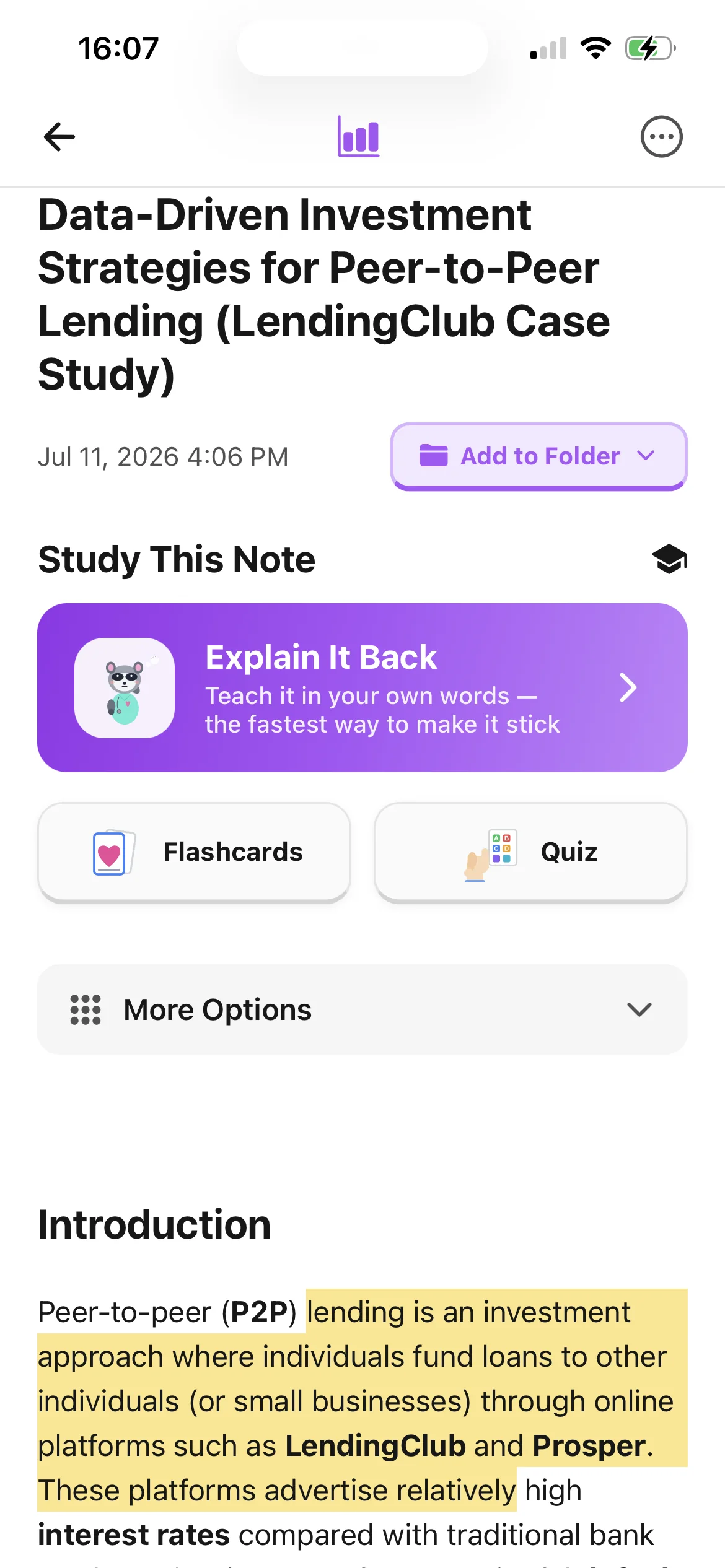
A useful research note should show what the authors asked, how they investigated it, what they found, and where their interpretation stops. Import one permitted paper PDF into BrainDen, check the structured note section by section, and keep figures, page details, your comments, and related readings connected instead of reducing the paper to an isolated summary.
State the problem the authors investigate and the contribution they claim before collecting interesting details that may not answer your reading purpose.
Record how the evidence was produced beside what was observed, then distinguish both from the explanation offered in the discussion.
Keep page, table, and figure details for evidence you may cite or revisit, while the attached PDF remains available for exact wording and context.
Workflow fit
From source to active study
Write what you need from the paper, then preview the abstract, headings, figures, tables, conclusion, and limitations so you can judge the note against the complete argument.
Upload the permitted PDF, compare the structured note with the paper, and correct terminology, study design, measures, result direction, qualifications, and references to visual evidence.
Label your questions and interpretations separately from the authors' claims, then link the note to papers that use a related method, support the finding, or reach a different conclusion.
A concrete example
A journal article reporting a controlled study of sleep timing and next-day word-pair recall, with participant criteria, two conditions, a results table, and limitations about the task and sample.
A useful result could include
Generated material is a study aid. Review important terminology, notation, and claims against your source.
Make the result better
BrainDen removes repetitive setup work. Your judgement, course context, and retrieval practice are what turn the result into learning.
Read enough to identify the claim and its support, close the passage, write the idea in your own words, and then compare your note with the paper for changed meaning.
Make it visible whether a sentence reports the authors' wording, a result, your interpretation, or an unresolved question so those layers do not blur during later writing.
Continue using the reference manager and citation style required by your institution. BrainDen supports reading and synthesis but does not replace a bibliographic record.
Questions and answers
Yes. Import a paper you are permitted to use, review the structured note, and correct the research question, method, findings, and limitations against the attached PDF.
Preview its structure and set a reading question first. The generated note can reduce setup work, but you still need the paper to verify evidence, figures, terminology, and qualifications.
Record page, figure, or table details for important evidence, keep the PDF attached, and distinguish quotations, paraphrases, results, and your own interpretation.
Yes. Link related source notes or select a focused group for continuous reading. Each original note and attached paper remains separate.
Continue in your connected library
Folders tell you where a note belongs. Links show how its ideas relate to the rest of what you know. Connect a concept to another lecture, reading, or course and use backlinks to find the relationship from either side.
Explore this featureOrganize your libraryA growing study library should match the way your course is actually structured. Build folders inside folders so lectures, readings, assignments, and revision topics stay easy to find.
Explore this featureReview the whole topicExam topics rarely fit inside one note. Select the lectures, readings, and explanations that belong together, then review them in one continuous view without replacing or rewriting the originals.
Explore this featureKeep building your study system
Start with one research paper PDF you are permitted to use, create a connected note, and choose the study tools that help you understand and remember it.