
Replace slide recognition with retrieval
Hide the deck and answer questions from memory so familiar colors and bullet positions cannot substitute for knowing the underlying concept.
A slide deck can feel familiar because you have seen its layout many times, but recognition is not the same as being able to answer a question. Export the PowerPoint as a readable PDF, import it into BrainDen, complete the missing lecture context, and test the concepts without looking at the slides.
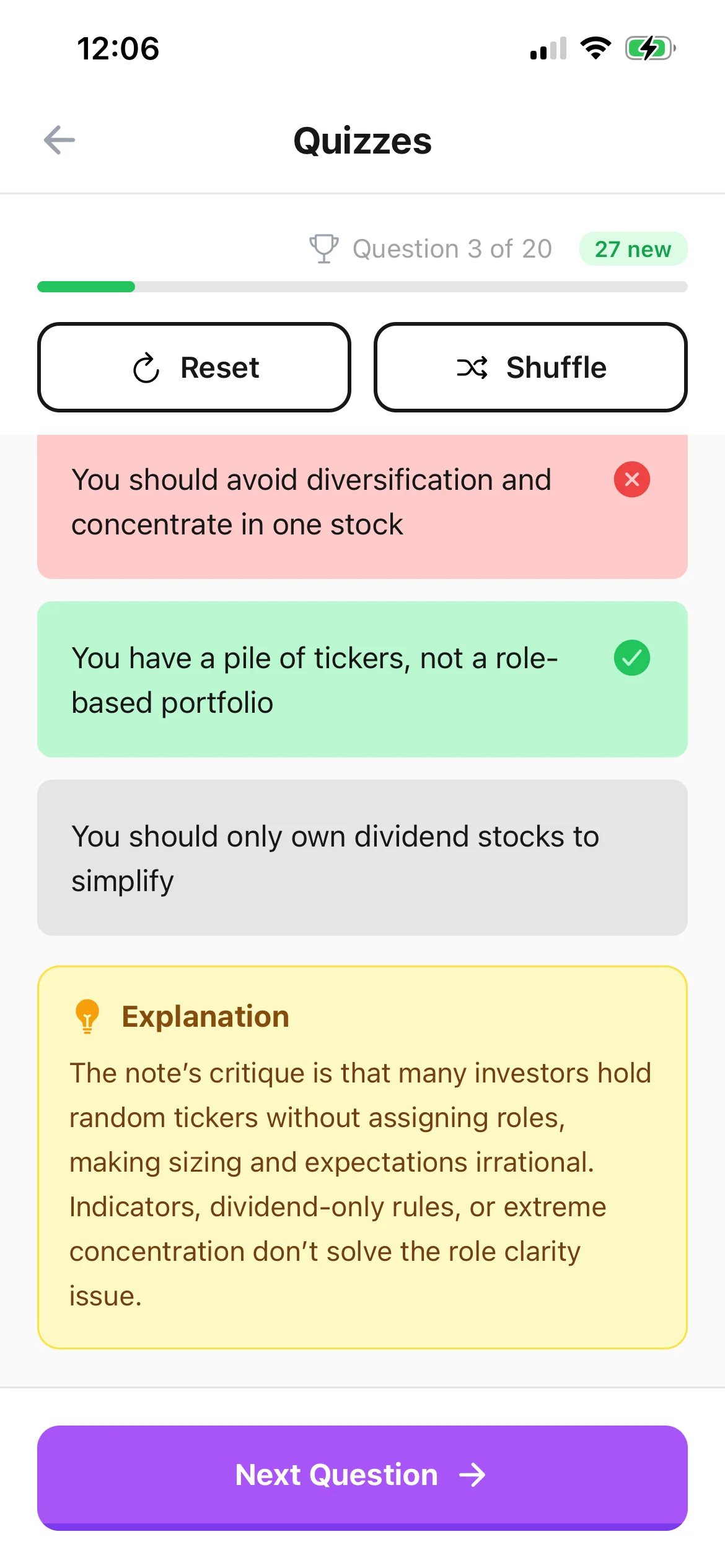
Hide the deck and answer questions from memory so familiar colors and bullet positions cannot substitute for knowing the underlying concept.
Complete abbreviated bullets with the explanation, condition, or example that made them meaningful in class before treating them as quiz material.
Connect the slide note to a reading, prerequisite lecture, or worked example, then use a missed answer to choose the exact source that deserves review.
Workflow fit
From source to active study
Save or print the deck as PDF, confirm the slide order and legibility, and notice whether notes, hidden slides, animations, or embedded media were omitted.
Upload the PDF to BrainDen and add missing explanation for diagrams, formulas, and shorthand. Remove administrative slides that do not belong in the assessment material.
Answer without the deck open, read the feedback, and explain why the correction works. Return to the original slide when its visual structure is necessary.
A concrete example
A 45-slide PowerPoint on time value of money, discounting, annuities, and worked calculations revealed through animated steps.
A useful result could include
Generated material is a study aid. Review important terminology, notation, and claims against your source.
Make the result better
BrainDen removes repetitive setup work. Your judgement, course context, and retrieval practice are what turn the result into learning.
The goal is to retrieve meaning, not remember which bullet came third. Rewrite or skip prompts that only test incidental slide design.
Use definitions, scenarios, comparisons, or calculations that resemble the course objective. Application-heavy exams need more than vocabulary checks.
Check equations, graph labels, units, and table values against the deck or assigned source before repeating the quiz enough to memorize them.
Questions and answers
Use the verified PDF workflow: export the PowerPoint deck as PDF, inspect the static result, and import that PDF into BrainDen.
Not automatically unless their content appears in the exported PDF. Add the missing explanation manually when it is important and permitted to use.
Yes. The checked BrainDen note can support both quiz and flashcard study views, while staying connected to the imported slide PDF.
Describe the relationship or process in the note, keep the original figure attached, and verify labels before relying on any generated question or answer.
Continue in your connected library
A growing study library should match the way your course is actually structured. Build folders inside folders so lectures, readings, assignments, and revision topics stay easy to find.
Explore this featureConnect related ideasFolders tell you where a note belongs. Links show how its ideas relate to the rest of what you know. Connect a concept to another lecture, reading, or course and use backlinks to find the relationship from either side.
Explore this featureKeep building your study system
Start with a PowerPoint deck exported as PDF, create a connected note, and choose the study tools that help you understand and remember it.