
Recover a topic spread across slides
Group definitions, stages, examples, and consequences under the concept they explain instead of treating every slide title as an equally important branch.
A slide deck can scatter one topic across headings, diagrams, builds, and abbreviated bullets. Export the PowerPoint as a readable PDF, import it into BrainDen, complete the structured note with permitted lecture context, and open its mind map only after the hierarchy and relationships match the course material.
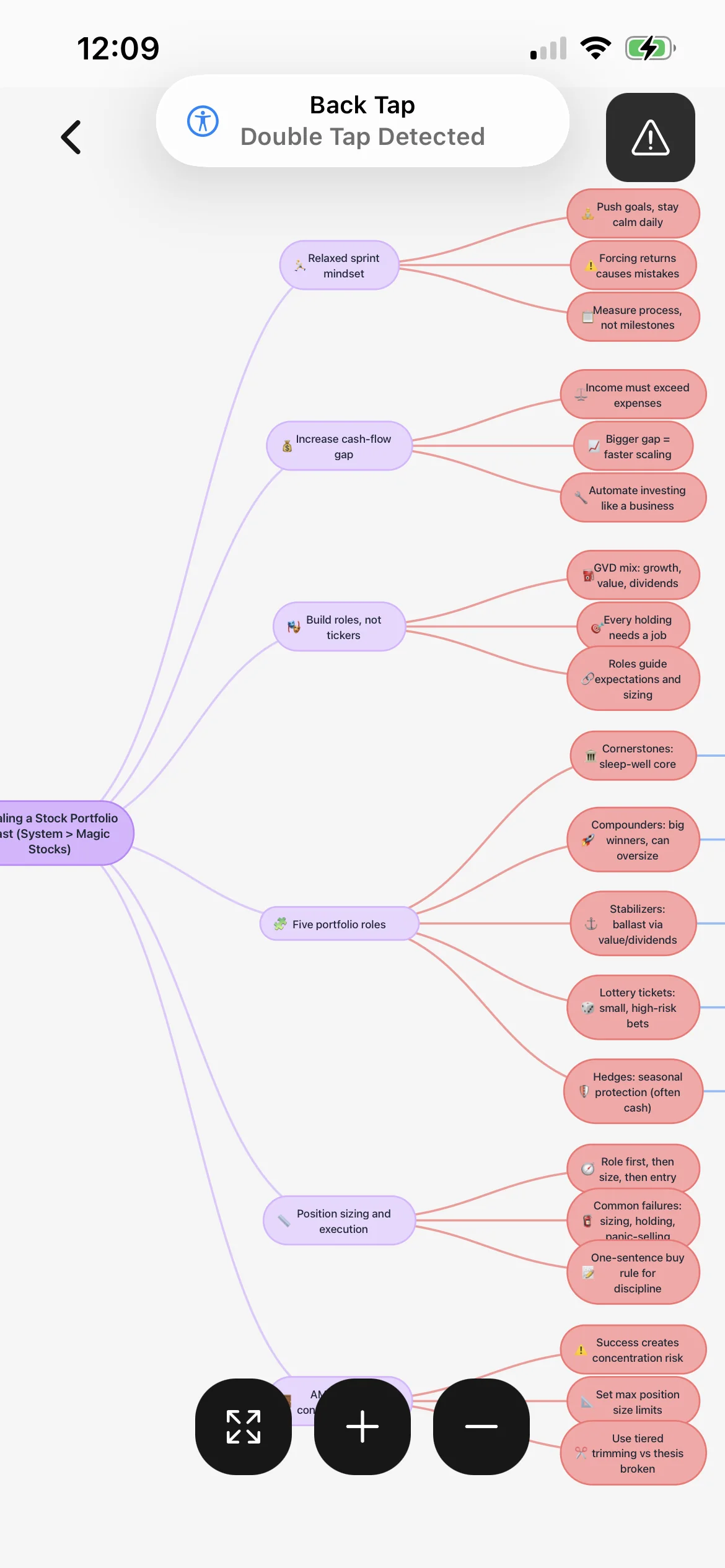
Group definitions, stages, examples, and consequences under the concept they explain instead of treating every slide title as an equally important branch.
Use short nodes for relationships while the attached PDF preserves labelled figures, graphs, tables, and exact quotations that need visual verification.
Complete shorthand with your permitted lecture context so a phrase written for presentation support does not become a vague or misleading map node.
Workflow fit
From source to active study
Choose the slides and layout you need, then check the exported file for omitted speaker notes, hidden slides, animations, comments, builds, and embedded interactions.
Upload the PDF, correct terminology and slide order, and add the explanation required to connect diagrams, abbreviated bullets, and examples into a coherent topic.
Explain each branch without reading the slide, then return to the attached PDF whenever a relationship, label, equation, or visual sequence needs confirmation.
A concrete example
A 46-slide presentation covering innate and adaptive immunity, antigen presentation, lymphocyte activation, antibodies, and three pathway diagrams.
A useful result could include
Generated material is a study aid. Review important terminology, notation, and claims against your source.
Make the result better
BrainDen removes repetitive setup work. Your judgement, course context, and retrieval practice are what turn the result into learning.
Presentations may revisit one concept for examples or discussion. Organize branches by meaning, hierarchy, and relationship rather than copying slide numbers.
Static PDF export can flatten builds and interactions. Add the sequence yourself when the order of appearing arrows, labels, or equations carries meaning.
File the note with its course and link it to the assigned reading, earlier lecture, or practical that supplies evidence and detail beyond the slides.
Questions and answers
This workflow uses BrainDen's verified PDF import. Export the deck as a PDF, inspect the result, and upload that file before opening the mind map.
Only content present in the exported PDF supplies the starting point. Add permitted speaker context and describe animation stages that the static file does not preserve.
No. Keep the attached slide PDF for diagrams, tables, exact wording, and sequence while using the map to review the verified relationships.
Yes. Store it in a nested course folder and link the note to relevant readings, lectures, practicals, or prerequisite topics.
Continue in your connected library
Folders tell you where a note belongs. Links show how its ideas relate to the rest of what you know. Connect a concept to another lecture, reading, or course and use backlinks to find the relationship from either side.
Explore this featureOrganize your libraryA growing study library should match the way your course is actually structured. Build folders inside folders so lectures, readings, assignments, and revision topics stay easy to find.
Explore this featureReview the whole topicExam topics rarely fit inside one note. Select the lectures, readings, and explanations that belong together, then review them in one continuous view without replacing or rewriting the originals.
Explore this featureKeep building your study system
Start with a PowerPoint deck exported as PDF, create a connected note, and choose the study tools that help you understand and remember it.