
Start from your own course material
Build cards from the terminology, explanations, and examples in the PDF you are responsible for learning.
Import your lecture slides, textbook chapter, or reading. BrainDen organizes the material into a connected note, then helps you review the important ideas as question-and-answer flashcards instead of rereading the entire file.
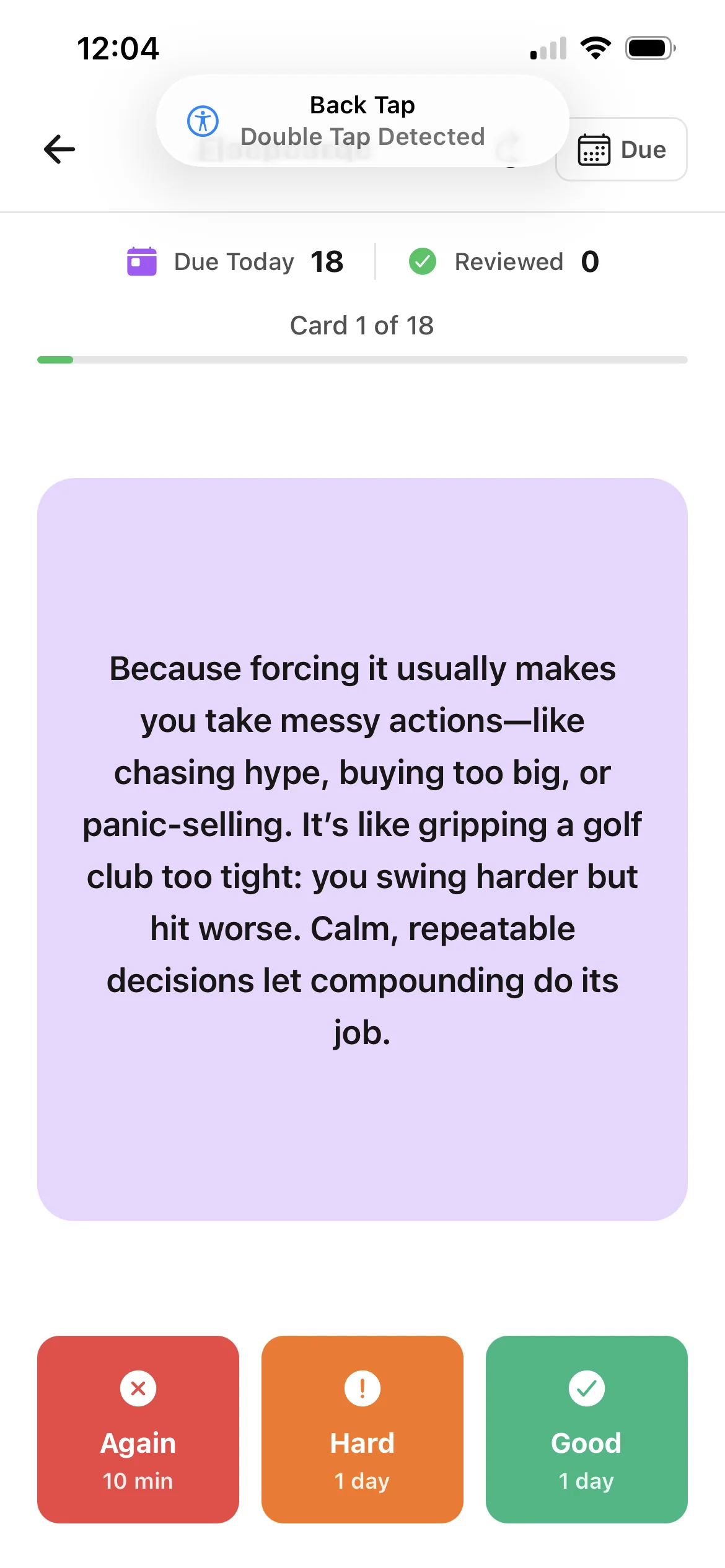
Build cards from the terminology, explanations, and examples in the PDF you are responsible for learning.
Return to the original material and the structured note whenever a flashcard needs more context.
Use questions to retrieve an answer from memory before revealing it, rather than only recognizing highlighted text.
From source to active study
Choose a lecture deck, journal reading, handbook, or textbook chapter from your device.
BrainDen extracts the content and organizes the main concepts into a note you can edit, highlight, and comment on.
Open the flashcard view, answer each prompt from memory, and revisit the source when a concept is unclear.
A concrete example
A 42-page slide deck covering membrane transport, diffusion, osmosis, and active transport.
A useful result could include
Generated material is a study aid. Review important terminology, notation, and claims against your source.
Make the result better
BrainDen removes repetitive setup work. Your judgement, course context, and retrieval practice are what turn the result into learning.
A focused chapter or lecture usually produces a more useful review set than a large collection of unrelated files.
Compare important details with the attached source, especially when exact notation or wording matters.
If an answer feels memorized but not understood, use Explain It Back to teach the idea in your own words.
Questions and answers
Yes. Import the PDF, let BrainDen create a structured note, and use the connected flashcard study view to review the concepts from those slides.
No. The structured note is the starting point. You can also highlight and comment on the source, review flashcards, take a quiz, create a mind map, and practice explaining the topic.
Yes. Your note remains editable, so you can correct wording, add context from class, and shape the material around what your course requires.
BrainDen is free to start and does not require a payment card for your first notes. Usage limits apply to the free plan.
Start with a PDF, create a connected note, and choose the study tools that help you understand and remember it.