
Test meaning, not camera-roll recognition
Put the image aside and answer questions from memory so familiar layout, color, and handwriting cannot stand in for understanding the concept.
A photographed whiteboard, handout, or notebook page can become useful practice only after its text and visual meaning are checked. Capture the image in BrainDen, correct the editable note against labels, arrows, equations, and layout, then take a quiz that points each mistake back to the source you inspected.
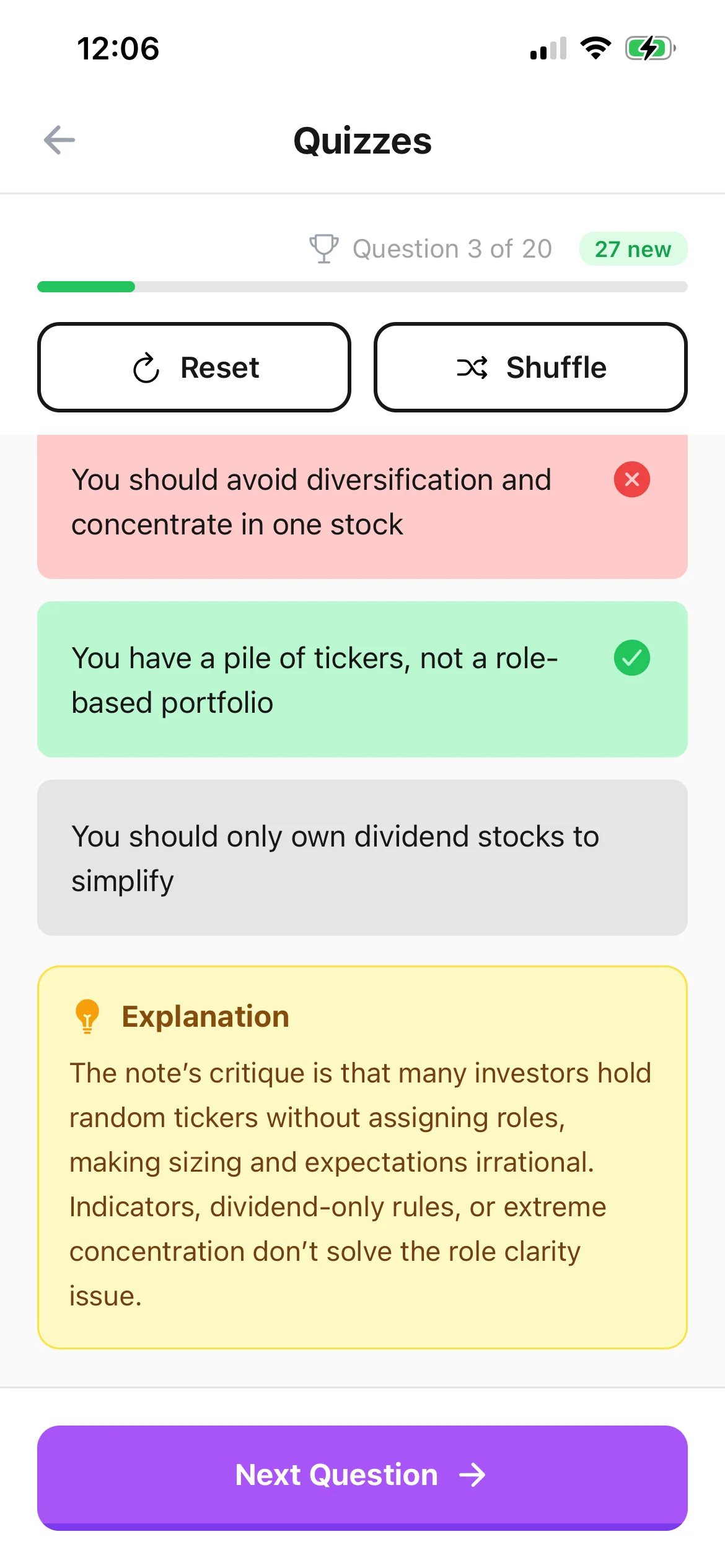
Put the image aside and answer questions from memory so familiar layout, color, and handwriting cannot stand in for understanding the concept.
Describe arrows, columns, diagram labels, graph axes, and calculation order before those relationships become the basis of a quiz question.
Check the answer feedback, open the connected note, and compare the difficult detail with the original image or an authoritative course source.
Workflow fit
From source to active study
Use even light, straight framing, and enough resolution for small writing. Split a large board or dense page into separate captures when one image would be hard to inspect.
Verify names, dates, symbols, formulas, units, and the order of a process. Add a sentence for any visual relationship that extracted text does not preserve.
Take the quiz without the image open, explain why the correct answer works, and return to the source only after the first attempt has revealed the gap.
A concrete example
A classroom photo containing a confidence-interval formula, a labelled sampling-distribution sketch, two assumptions, and a corrected interpretation statement.
A useful result could include
Generated material is a study aid. Review important terminology, notation, and claims against your source.
Make the result better
BrainDen removes repetitive setup work. Your judgement, course context, and retrieval practice are what turn the result into learning.
A missing minus sign, exponent, unit, arrow, or label can reverse the meaning of a question. Verify technical details before repeated attempts make them feel familiar.
Definitions suit terminology, while sequences, comparisons, calculations, and scenarios suit material where the image shows how an idea works or changes.
Remove names or private details from photographed boards and handouts. Capture, process, and share only material that classroom and copyright rules allow you to use.
Questions and answers
Yes. Capture the page, review and correct the editable note, then open the connected quiz view after verifying handwriting, symbols, and visual relationships.
The extracted note is the starting point. Describe important labels, axes, arrows, and relationships manually, and keep the original image available for verification.
Attempt the question without the image first. Use the source after answering to verify a detail, repair a gap, or understand why the feedback is correct.
Yes. After correcting the note, use its connected flashcard, quiz, mind map, and Explain It Back views without capturing the image again.
Continue in your connected library
A growing study library should match the way your course is actually structured. Build folders inside folders so lectures, readings, assignments, and revision topics stay easy to find.
Explore this featureConnect related ideasFolders tell you where a note belongs. Links show how its ideas relate to the rest of what you know. Connect a concept to another lecture, reading, or course and use backlinks to find the relationship from either side.
Explore this featureKeep building your study system
Start with a clear image of study material, create a connected note, and choose the study tools that help you understand and remember it.