
Start with a readable capture
Fill the frame, reduce glare, keep the camera parallel to the page, and split a large board into separate images when small writing would become illegible.
A photographed page may use arrows, columns, colour, spacing, and diagrams to show meaning that extracted text cannot preserve by itself. Capture a clear image in BrainDen, correct the editable note against the source, and open its mind map only after labels and relationships accurately reflect the page.
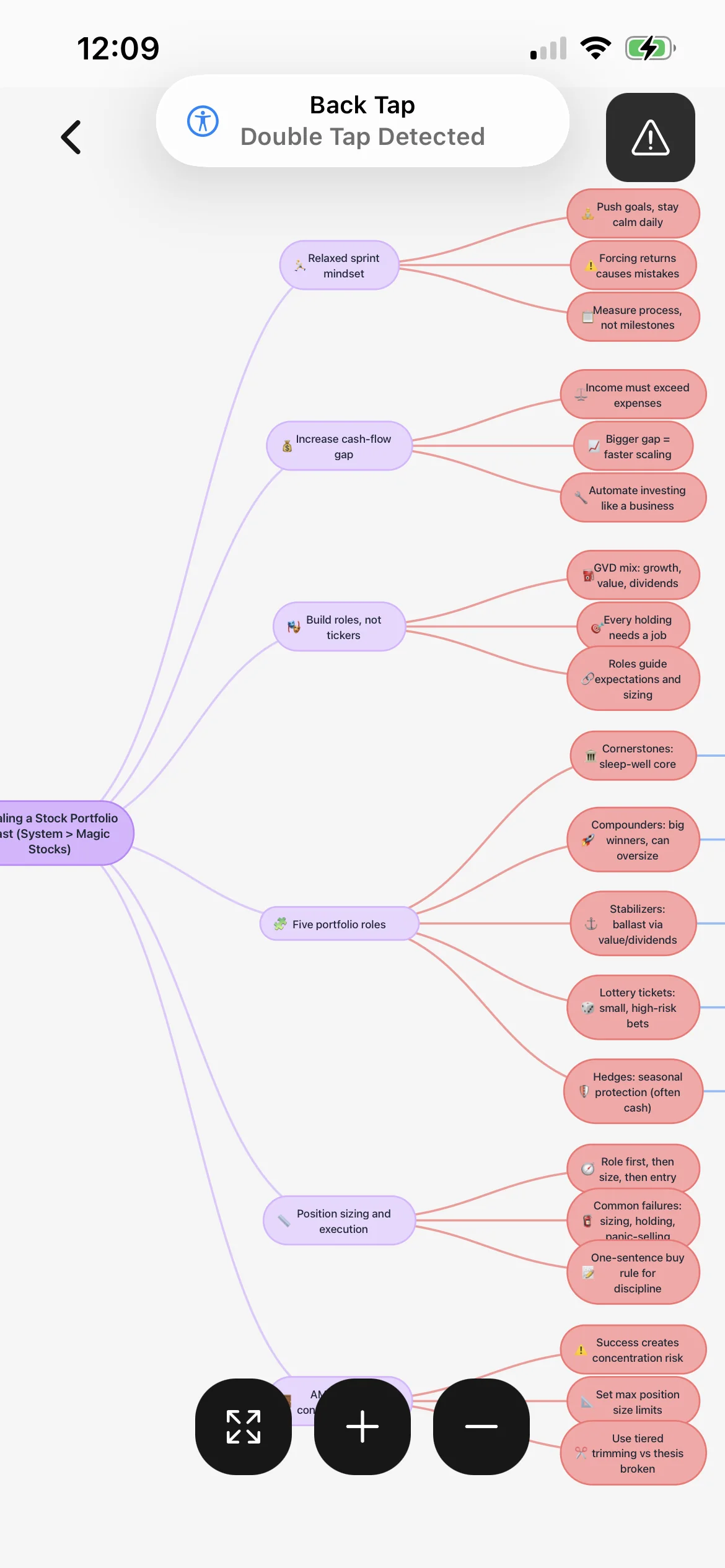
Fill the frame, reduce glare, keep the camera parallel to the page, and split a large board into separate images when small writing would become illegible.
Describe what arrows connect, what columns compare, and what labels belong to each diagram before those details become branches in the map.
Return to the original image for exact notation, spatial relationships, and diagrams that a simplified map or extracted sentence cannot represent completely.
Workflow fit
From source to active study
Photograph a single page, handout section, or whiteboard area with enough resolution to inspect every important word, symbol, and label.
Compare names, equations, units, arrows, headings, and layout with the source. Add a short explanation for every visual relationship that text extraction loses.
Explain each branch without looking at the photo, then reopen the source to verify direction, hierarchy, and technical detail before using the map for revision.
A concrete example
A clear classroom image showing nephron sections, arrows for filtration and reabsorption, hormone labels, and handwritten notes about water balance.
A useful result could include
Generated material is a study aid. Review important terminology, notation, and claims against your source.
Make the result better
BrainDen removes repetitive setup work. Your judgement, course context, and retrieval practice are what turn the result into learning.
Blur, glare, steep perspective, clipped margins, and tiny handwriting weaken the starting point. A clearer photo is safer than guessing what a symbol means.
Write the relationship represented by position or direction, then check that the map preserves it. Nearby labels are not always parent and child concepts.
Remove names and private details from photographed boards. Capture, process, and share only material that classroom and copyright rules allow you to use.
Questions and answers
Yes. Capture the image, review and correct the editable note, then open its connected mind map after verifying text and visual relationships.
No extraction should be assumed perfect. Check diagrams, equations, arrows, units, labels, handwriting, and tables against the original image.
Use a focused, well-lit, straight photo with legible text and minimal glare. Split large or dense material into separate captures when needed.
The mind map stays connected to its image-based note, and that note can link to lectures, readings, or related topics elsewhere in your library.
Continue in your connected library
Folders tell you where a note belongs. Links show how its ideas relate to the rest of what you know. Connect a concept to another lecture, reading, or course and use backlinks to find the relationship from either side.
Explore this featureOrganize your libraryA growing study library should match the way your course is actually structured. Build folders inside folders so lectures, readings, assignments, and revision topics stay easy to find.
Explore this featureKeep building your study system
Start with a clear photo of notes, a handout, or a whiteboard, create a connected note, and choose the study tools that help you understand and remember it.