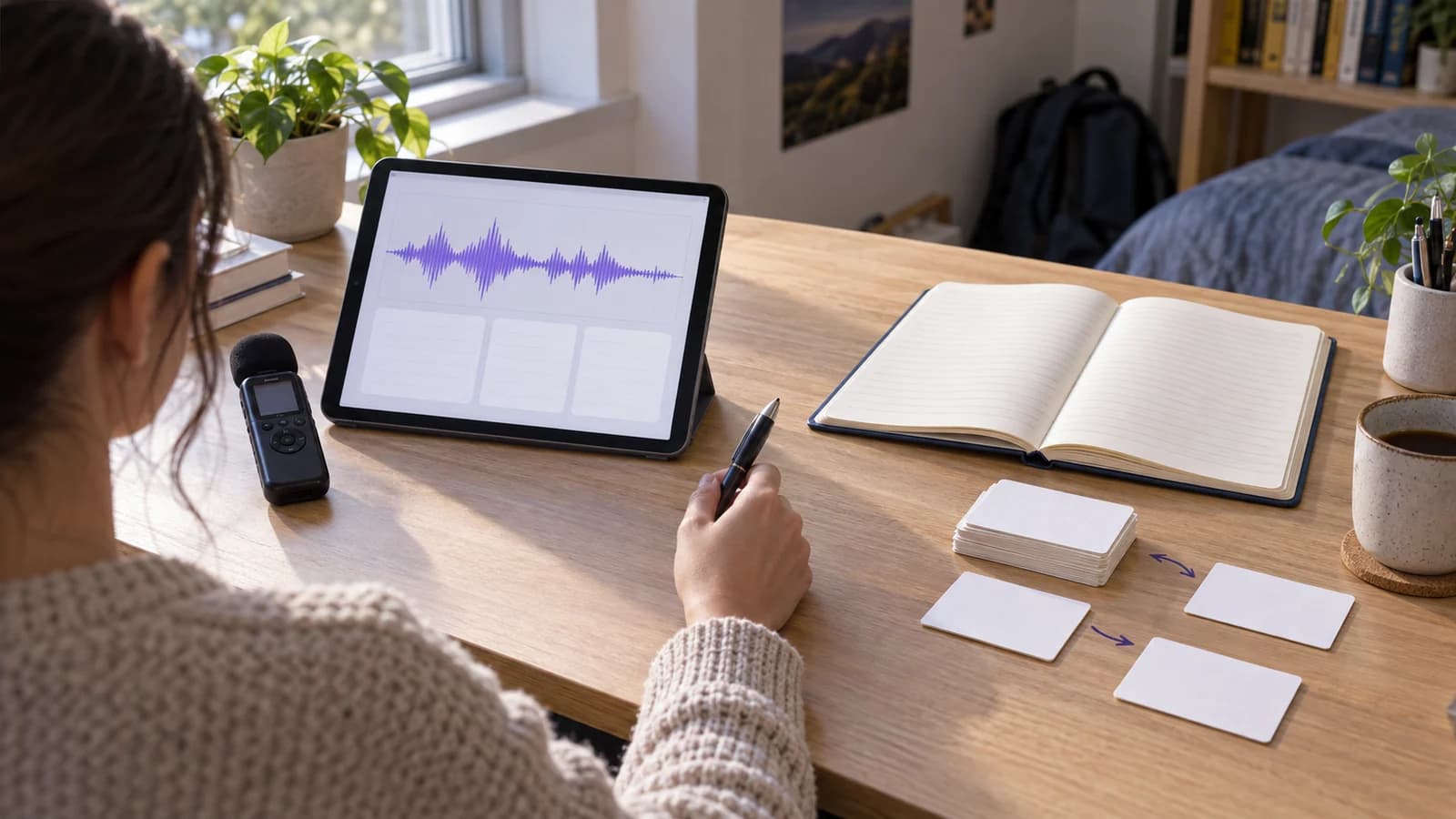
The RemNote vs Coconote choice depends on what happens after class. Choose Coconote if your main task is to capture a lecture or file and quickly get notes and study activities. Choose RemNote if you want to write and connect course notes, make cards within them, and return to a scheduled review queue. Both now support recording and generated study materials, so the useful question is which daily workflow you will keep using.
Neither tool can check your course requirements for you. Test a real lecture, verify its output against the source, and compare the full price shown at checkout before moving a semester of notes.
RemNote vs Coconote at a glance
| Student task | RemNote | Coconote |
|---|---|---|
| Main starting point | Build documents and flashcards in an outliner | Record or upload material and receive notes |
| Lecture capture | Recorder with linked transcript and study tools | Record or upload, then create notes and transcripts |
| Recall practice | Cards inside notes with a scheduled review queue | Generated quizzes, flashcards, and other activities |
| Course organization | Documents, nested folders, links, and search | Notes and study material in a simpler capture workflow |
| PDF study | Annotate PDFs and make cards beside the source | Upload documents and create notes or study material |
| Free starting point | Free plan with unlimited notes and flashcards, subject to feature limits | Free to download and start; paid Unlimited Pass adds capacity |
This table describes documented product workflows, not the quality of a particular AI output. RemNote's feature and pricing pages and Coconote's current product page provide the underlying feature claims. Plan limits can change.
How we compared the two tools
We checked first-party product, help, and pricing pages on 30 September 2026. We looked at one complete student cycle: capture a source, correct the note, find it later, practice recall, and return to the explanation after a mistake. We also checked what each company makes public about free use and paid access.
The current US search results for this precise comparison mix broad app lists, community comments, and product pages. They do not clearly answer how the two workflows differ for a student who studies from both lectures and readings. That is the gap this guide addresses. Search results do not establish demand, rankings, or product quality.
Which app handles a lecture better?
Coconote makes capture the central action. Its official site says you can record or upload audio, videos, documents, links, and websites. It then provides notes, transcripts, chat, quizzes, flashcards, podcasts, and study games. A student who has little time after a lecture can quickly get a draft to inspect. The output remains a draft: check terminology, examples, and any missing caveats against the recording or class material.
RemNote also has a Lecture Recorder. Its help guide describes a live transcript, time-linked words, notes beside the recording, and ways to generate cards or quizzes from selected transcript material. You can record inside a folder or document, or upload existing audio. The guide says transcription uses AI credits, so frequent recording may affect the plan you need.
Imagine a 75-minute biology lecture with an unfamiliar term and a diagram explained aloud. In Coconote, you can begin with the generated note and quiz, then correct the term. In RemNote, you can place the lecture in a course document, return to the time-linked explanation, and make a card beside your corrected note. Either route needs the same final check: did the generated material preserve what the instructor actually said?
Choose Coconote for lecture capture when a fast first draft is your main need. Choose RemNote for lecture follow-through when you expect to develop that draft into a larger note and review system.
Which app keeps a semester of notes easier to use?
RemNote is built around documents, nested bullets, folders, links, and search. Its folders and documents page documents nested folders with unlimited depth. This suits a course structure such as semester, course, unit, and lecture. A definition can remain in its explanation while also becoming a flashcard or linking to another concept.
The cost is setup and maintenance. A detailed outline becomes useful only when you name documents consistently and remove cards that no longer match the course. Some students will welcome that control. Others will spend too much time organizing material they only need for one exam.
Coconote's public site leads with recording or uploading, then reviewing the resulting note and activities. That simpler entry point can be valuable for a student who otherwise loses a lecture entirely. The site does not document a comparable block-level outliner or a scheduled card queue. Do not assume an undocumented feature is absent; test any organization behavior you require before paying for a full term.
A practical test uses one course unit rather than a whole semester. Add a lecture, one PDF reading, and one corrected concept. Then try to find the concept from a different unit. If you need a cross-course network of ideas, also consider a system with explicit linked notes and backlinks. If simple capture is enough, the extra structure may add work without helping you study.
Flashcards and quizzes: quick generation or scheduled review?
Both tools can create flashcards and quizzes. The difference is what happens on the next study day. Coconote's product page emphasizes generated activities from your note. This is useful for a quick check after class or a short practice session before a quiz. The public description does not establish a RemNote-style scheduled queue, so test the exact review behavior if spaced repetition is essential to you.
RemNote lets you write cards inside notes, generate them, and practice them through a global or document-specific review queue. Its help guide says the queue selects due cards and uses your answer rating to schedule future review. That model fits a course with many facts that need repeated recall over weeks. It also asks you to keep practicing and to repair weak cards.
For example, a generated card might ask, “What is osmosis?” A better course card might ask you to predict water movement across a membrane under two stated conditions. Make the answer attempt before you reveal feedback. Carnegie Mellon University's retrieval-practice guidance describes recall followed by feedback as a learning activity. The app cannot decide whether a vague card tests the right idea.
If you want an immediate quiz from today's recording, Coconote gives a direct path. If you want the same concept to return in a controlled review queue, RemNote gives that workflow natively. Our guide to flashcards and quizzes explains how to improve questions in either tool.
Which app works better with PDFs and source checking?
RemNote's Reader guide describes PDF annotation, a note pane beside the PDF, highlights, and cards made from the document. It says the free plan can annotate three PDFs; further Reader use belongs to a paid plan. Its AI Reader functions also use AI credits. This combination is useful when a reading must stay close to the notes and review cards that come from it.
Coconote says it accepts PDFs and other documents, then turns them into notes and study activities. Its published workflow is faster when you want an overview or practice material from a file. For a reading with precise definitions, formulas, or quotations, compare every generated point with the source page. A clean summary can still omit a condition that matters on an exam.
Run one source test before committing. Upload a short course PDF into both tools. Find one claim with a qualification, one diagram, and one worked example. See whether you can locate each source passage and correct the note. Keep the product that makes this verification routine easy enough to repeat.
Current pricing and limits
RemNote's official pricing page showed a Free plan at $0, Pro at $8 per month billed as $96 yearly, and Pro with AI at $18 per month billed as $216 yearly when checked in the US on 30 September 2026. Free includes unlimited notes and flashcards, unlimited synced devices, three annotated PDFs, and limited AI credits. Pro expands PDF and study features; Pro with AI provides a larger AI credit allowance. RemNote's AI credit guide lists 250, 1,000, and 20,000 monthly credits across those plans. Confirm your currency and billing term at checkout.
Coconote's official site says the app is free to start and recommends an Unlimited Pass for unlimited notes and added features. It does not publish a single normal subscription price on the public homepage. Its gift page displayed a one-year pass for $129 on the check date; that is a gift offer, not a verified price for every normal subscription. Check the plan and renewal price shown in your own checkout before buying.
Compare the cost of the workflow you will actually use. A free note limit, PDF cap, AI credit allowance, or recording allowance can matter more than the headline price. Prices, taxes, offers, and storefront amounts can change by location and date. Neither app's price proves better learning outcomes.
Which should a student choose?
Choose Coconote if most of these statements match your work:
- You need a quick note from lectures, audio, video, or mixed uploads.
- You prefer generated quizzes and flashcards immediately after capture.
- You want little setup before your first useful study session.
- You will manually check important material against the source.
Choose RemNote if these statements match instead:
- You build a course library that must remain useful across the term.
- You want to write cards inside notes and review them on a schedule.
- You annotate PDFs and want notes beside the source.
- You accept the time needed to maintain outlines and a card queue.
The choice can also change by course. Coconote may fit a lecture-heavy elective with weekly quizzes. RemNote may fit a cumulative anatomy course with many definitions and diagrams. For more options, read our Coconote alternatives guide or the RemNote vs Obsidian comparison.
Test both with one real course unit
Use the same lecture and reading in each app for one week:
- Capture or upload the lecture, then mark two uncertain transcript passages.
- Correct one generated note against the source.
- Add a PDF reading and locate a qualified claim in the original page.
- Create five questions that require an answer before feedback.
- Practice the questions again after at least one day.
- Find the original explanation after one wrong answer.
- Put both sources under a course and unit you can find later.
- Check the export path, plan limits, and final checkout price.
Write down where time went. If capture took too long, favor the simpler recording workflow. If review became a pile of isolated activities, favor a structured note and card system. If neither keeps related course material together as you need, test a third approach before moving everything.
BrainDen is one such approach. It connects sources, study notes, nested course folders, related notes, and active practice. It does not replace RemNote's detailed flashcard scheduler or Coconote's particular generated activities. Start with one lecture and check whether its note supports the rest of your course work.
Turn your next source into a study system.
Create structured notes, flashcards, quizzes, mind maps, and active-recall practice from your own material.