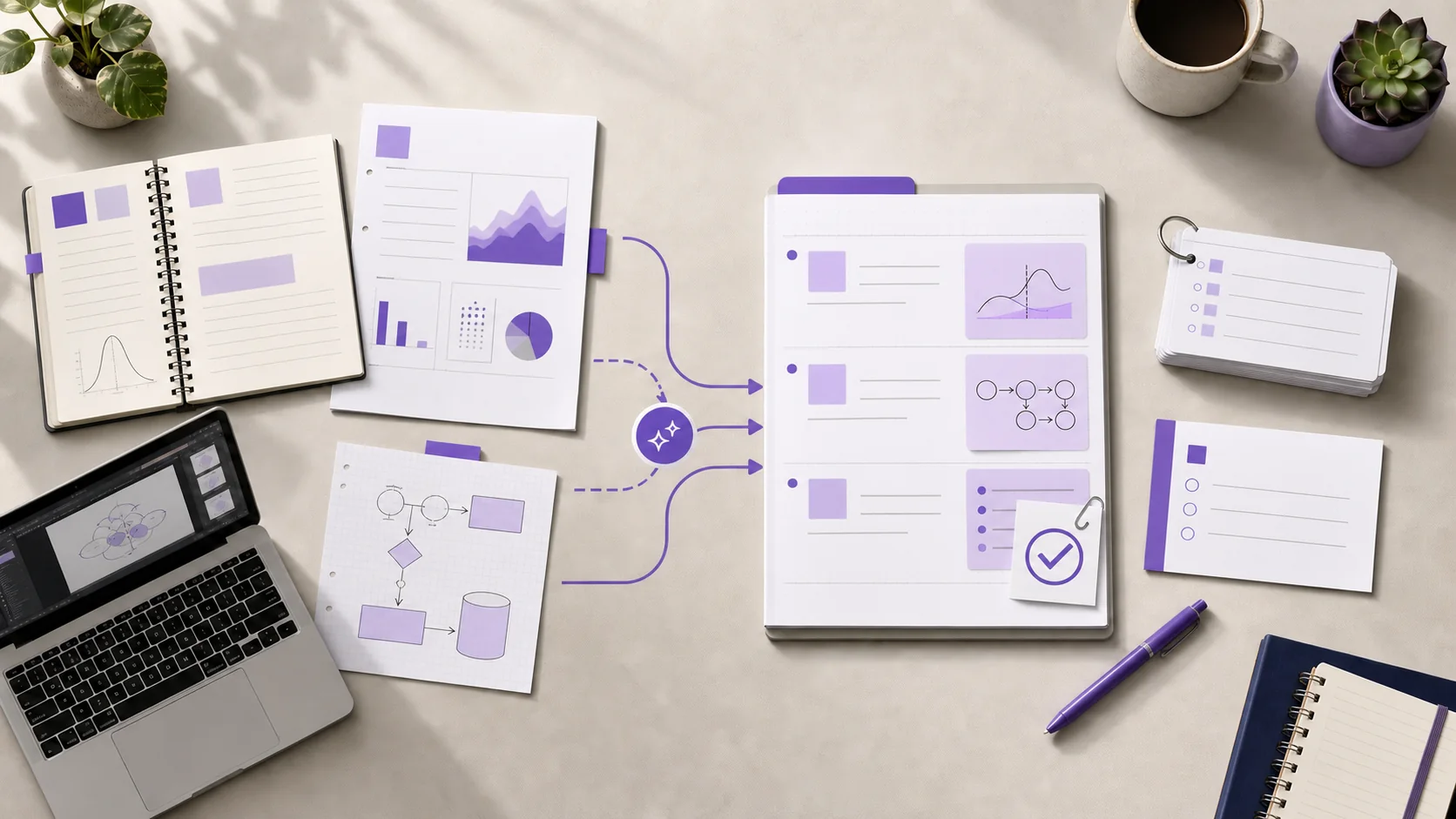
To use AI to make revision notes, start with a narrow exam objective and a small set of trusted course sources. Ask the AI to organize the material by topic or question, not merely shorten it. Then compare every definition, formula, date, quotation, and exception with the original source. Keep the checked notes connected to those sources, and finish by turning the result into questions you must answer without looking.
AI can reduce the work of sorting and formatting. It cannot decide which details your lecturer expects, recover missing context, or verify its own output. Your revision notes become useful only after you check and study them.
What makes an AI revision note useful?
A revision note is not a transcript, a generic summary, or a shorter copy of a textbook chapter. It is a checked study layer built for one assessment goal.
A useful revision note usually includes:
- the question or learning outcome it answers;
- the smallest complete explanation of each key idea;
- definitions, formulas, dates, and examples checked against a source;
- important exceptions or disagreements;
- a clear route back to the original material;
- prompts for retrieval practice.
The last two points matter. A polished note can still contain an error, and a correct note can still encourage passive rereading. The note must support both verification and practice.
UNESCO's guidance for generative AI in education and research recommends a human-centred approach to educational use. In practical study terms, keep your judgement, course context, and source checks inside the workflow.
Choose the right source set before using AI
Do not begin by uploading every file from a course. A large, mixed collection makes it harder to notice missing context and conflicting explanations.
Start with one exam objective, such as:
Explain how negative feedback regulates blood glucose, then compare type 1 and type 2 diabetes.
Now collect only the material that helps answer that objective. The set might contain one lecture note, one textbook section, a diagram from a seminar, and a corrected practice answer.
Use one accountable note for each source when possible. Record the source title, relevant pages or timestamps, and any limits. For example, a slide deck may show a diagram but omit the lecturer's spoken explanation. A recording may preserve that explanation but contain a transcription error.
If your material comes from several formats, use the guide to taking notes from multiple sources before asking AI to synthesize them. This keeps each source traceable while you compare the ideas.
How to use AI to make revision notes step by step
1. Define one revision outcome
Write the task before you open the AI tool. Use a syllabus statement, past-paper theme, or question type.
Weak outcome:
Make notes about cell biology.
Focused outcome:
Create revision notes that explain membrane transport, compare diffusion with active transport, and support a six-mark exam answer.
The focused version gives you a test for relevance. Material that does not help answer it stays outside this note.
2. Prepare the sources for accurate reading
Check that each file is legible and complete. For a scanned PDF, inspect the extracted text. For audio, correct important names and technical terms in the transcript. For slides, add permitted speaker context that does not appear on the page.
Also remove material you do not need. A shorter, coherent source set is easier to inspect than a whole course archive.
Never upload material when your course rules, copyright terms, research agreement, or privacy duties do not permit it. If the rule is unclear, ask the responsible lecturer or institution before using the tool.
3. Ask for structure before compression
The first AI pass should expose the shape of the material. Ask for headings, questions, and source references before asking for very short notes.
You can adapt this prompt:
Create a draft revision outline for this learning outcome:
[paste the exact outcome]

Use only the supplied course material.
Organize the outline as answerable questions.
For each point, identify the source note or page that supports it.
Mark missing evidence, conflicts, and unclear terms.
Do not invent examples, quotations, or citations.
Do not create flashcards yet.
This prompt does not guarantee accuracy. It makes the draft easier to audit because each point should show where it came from.
4. Check the outline against the assessment
Compare the draft with the syllabus, marking criteria, or past-paper style. Remove sections that are interesting but irrelevant. Add any required topic that the source set missed.
Ask these questions:
- Does every heading help answer the revision outcome?
- Does the order move from foundation to application?
- Is an important diagram, procedure, or worked example missing?
- Does the draft confuse a broad topic with the assessed task?
Do this before polishing sentences. A clear structure with a missing concept is still incomplete.
5. Verify every high-risk detail
Check the parts where a small error can change the meaning:
- definitions and named theories;
- equations, units, signs, and calculation steps;
- dates, people, and cause-and-effect claims;
- quotations and page references;
- legal, scientific, or technical exceptions;
- diagrams, labels, and sequences;
- claims that differ across sources.
Open the original material beside the draft. Mark each detail as checked, corrected, uncertain, or missing. Do not ask the AI to confirm its earlier statement and treat that as verification. Return to the source that should support the statement.
When two course sources disagree, preserve the disagreement. Record which source says what and whether your lecturer resolved it. An AI-generated compromise can hide a distinction that matters in an exam.
6. Condense the checked material in layers
After verification, create three useful layers:
- A one-sentence answer to the main question.
- A short explanation with the essential reasoning.
- Evidence, examples, exceptions, diagrams, or calculation steps.
This layered structure lets you revise quickly without losing the detail needed for a strong answer. It also helps you see whether a short statement is genuinely complete or only familiar.
For several related lectures, keep the originals separate. Select the notes that answer one objective and place them in a sensible reading order. BrainDen's multi-note reading feature supports continuous review while each original note stays separate and editable.
7. Turn the notes into retrieval practice
Close the revision note and try to produce the answer from memory. Use prompts that require an explanation, comparison, diagram, calculation, or application.
The Institute of Education Sciences guide on organizing instruction and study recommends spacing learning over time, using quizzes, and asking deep explanatory questions. Apply those ideas after the note is checked.
For example, replace a recognition prompt such as "Does insulin lower blood glucose?" with tasks like:
- Explain the feedback loop without looking.
- Draw and label the sequence.
- Compare insulin's role with glucagon's role.
- Predict what changes after a carbohydrate-rich meal.
- Correct one deliberately flawed explanation.
Use mistakes to repair the revision note. If you cannot explain the relationship between two points, add that relationship. If you miss an exception, make it visible beside the main rule.
8. Schedule the next review
Record what you missed and return after a delay. Do not regenerate the whole note for each session. Keep one checked version and update it when your sources or understanding change.
A simple review sequence can use:
- the same day for source checking;
- the next day for closed-note recall;
- later sessions for mixed questions and worked examples;
- a final check against the assessment scope.
The exact schedule depends on your exam date and workload. The important point is to retrieve more than once, with time between attempts.
Worked example: three sources for one psychology topic
Suppose a student must compare working memory with long-term memory. They have a lecture note, a textbook chapter, and a seminar worksheet.
First, they keep one note per source. The lecture defines the models used in the course. The textbook adds experimental evidence. The worksheet contains an application question and the lecturer's correction.
The student asks AI to create an outline with source labels. The draft puts definitions first, then models, evidence, limitations, and the worked application. It also claims that one study proves a broader conclusion than the textbook supports.
During verification, the student corrects that claim and records the textbook page. They keep two competing interpretations because the lecture treats the disagreement as examinable. They then condense the checked material into a comparison table and four explanation prompts.
Finally, they close the notes and answer: "Why does the working-memory model explain the worksheet result better than a single-store account?" The failed parts become the focus of the next review.
AI helped organize the source set. The learner supplied the assessment context, corrected the evidence, preserved the disagreement, and performed the recall.
Common mistakes with AI revision notes
Uploading the whole course at once
The output may look complete while mixing unrelated objectives. Build one focused set for each assessed topic.
Asking for the shortest possible summary
Early compression removes qualifications before you know which details matter. Structure and verify first. Condense second.
Trusting source labels without opening the source
A page number or citation can still be wrong. Open the source and check the exact supporting material.
Keeping only the generated note
The original lecture, reading, diagram, or recording is your route back to context. Keep it connected to the checked note.
Making flashcards before checking the content
Generated cards can repeat a draft error. Verify the note first, then create focused practice from the checked version.
Rereading a polished page
Formatting can create familiarity without recall. Close the note, produce the answer, and check the gap.
Final checklist for AI revision notes
Before you study the result, confirm that:
- the note answers one defined exam objective;
- every source is permitted, readable, and traceable;
- important facts, formulas, quotations, and examples are checked;
- disagreements and uncertainties remain visible;
- the originals remain available;
- the note includes explanation and application prompts;
- your next review requires recall without looking.
AI revision notes work best as an editable bridge between source material and active practice. Use AI for the first organization pass. Keep responsibility for relevance, accuracy, and learning.
If one exam topic spans several checked notes, build a focused multi-note exam review in BrainDen. You can review the selection together while every original remains separate and connected to its source.
See BrainDen more often in Google
Choose BrainDen as a preferred source for your Google Top Stories.
Turn your next source into a study system.
Create structured notes, flashcards, quizzes, mind maps, and active-recall practice from your own material.