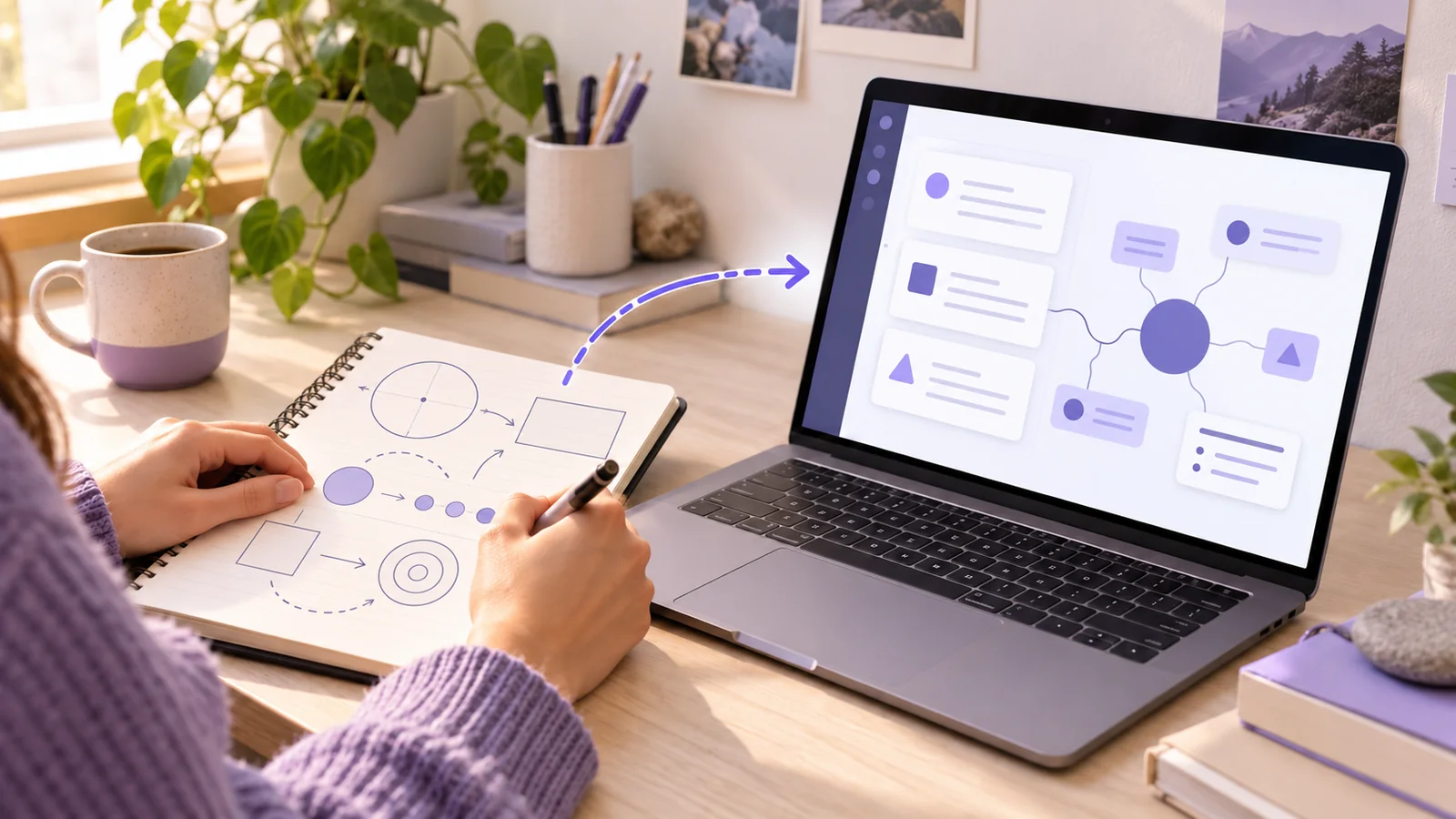
To combine handwritten and digital notes for studying, give each format a clear job. Use paper when it helps you sketch, solve, or think. Use a digital library to find sources, connect topics, and prepare review material. Add a shared course and topic label to both. Then transfer only the ideas you need for future study, while keeping the original page available.
This method avoids two complete sets of notes. Your paper remains a working surface. Your digital notes become a useful map back to the work and sources.
Quick answer: Label paper pages, capture important pages, check their digital versions, file them by course and topic, and test yourself from the resulting notes.
Decide what paper and digital notes each do
The choice is not permanent. A student may draw a process on paper during class, annotate a PDF later, and write a short digital explanation before an exam. Newcastle University's note-taking guide recommends choosing tools for the task. It also describes using paper and digital notes together.
A practical split looks like this:
| Use paper for | Use digital notes for |
|---|---|
| Rough diagrams, calculations, and first explanations | Searchable titles and organized course material |
| Working through a problem without screen distractions | Links between lectures, readings, and examples |
| Marking questions while reading or listening | Selecting notes for revision and sharing chosen material |
These are options, not rules. If a tablet supports your diagrams well, use it. If paper helps you focus on a reading, keep it. The important decision is where the finished study record lives and how you will find its original source.
The University of Sheffield's guide explains the trade-off. Paper can support flexible marks and sketches, but it needs a filing system. Digital notes can be searched and edited, but they also need organization.
Build one course map for both formats
Before moving material between formats, give every item a common address. Use the course structure you already know:
Semester or term
└── Course
    └── Module or topic
Write a short header on each paper page. Include the course, topic, date, and page number. Use the same course and topic words in your digital folder and note title. For example:
- Paper header:
BIO 204 | Membrane transport | 6 Oct | page 12 - Digital title:
BIO 204 | Membrane transport | Lecture and sketch - Source label:
Notebook 2, page 12; lecture 6
You do not need matching layouts. You need a matching address. A useful address lets you move from a digital idea to the page that supports it. It also lets you find the digital note when you open your notebook weeks later.
The UNSW Sydney note-taking guide advises students to label lecture documents with the course, lecture number, and date. It also recommends a course folder. Apply the same labels to paper, photos, and PDFs.
If your paper notebook holds several classes, use a small index on its first pages. Record each course and the page numbers that contain it. If you use loose sheets, put the same header on every sheet. Do not depend on color alone. Colors can fade in a scan, and you may forget what they meant.
For a fuller digital folder example, see our guide to organizing study notes digitally. The system here adds a reliable bridge from that library back to paper.
Capture paper without copying the whole notebook
Choose what deserves a digital place. Start with pages that contain an idea you will revisit, a worked example, a diagram, or a question you still need to answer. Leave temporary arithmetic and duplicate drafts on paper unless they explain a mistake you want to study.
For each selected page:
- Flatten the page and photograph or scan it in even light.
- Include the header, full margins, arrows, and page number.
- Save pages in their original order.
- Give the image a clear name, such as
BIO204_membrane_transport_p12. - Open the saved image and check that small symbols remain readable.
A photo is the source copy. An editable digital note is a separate interpretation. Do not delete the page because a text conversion looks fluent. If handwriting or diagrams matter, the image may be more useful than extracted text.
When a tool converts a photo into a note, compare the result with the page. Check technical terms, numbers, signs, units, arrows, and words such as not or except. Mark an unclear line as unresolved. Do not let an automatic system guess the missing word. Our handwritten-notes flashcard guide gives a detailed check for photo conversion.
You can also leave a page as an image and write only a short summary beside it. Full transcription is useful when you need search or editing. It is unnecessary when a clean diagram and two keywords already let you find and understand the page.
Turn a page into a useful digital note
Do not type the page again word for word. Ask what the page contributes to your understanding. A useful digital note can be short:
Topic: Osmosis across a membrane
Source: BIO 204 lecture 6; Notebook 2, page 12
Main idea: Water movement depends on the concentration difference and membrane conditions.
My sketch: See the attached page image.
Still unclear: Which substances cross this membrane in the assigned example?
Next check: Compare the lecture diagram with the textbook figure.
This example is a study template, not a scientific definition for an exam. Verify the details against your course materials. The note keeps the page, the claim, and the open question together.
If a page covers several topics, create separate digital notes only when each topic needs independent review. Otherwise, use headings inside one note. Avoid turning every line into a separate item. The goal is to retrieve and use ideas, not to maximize the number of files.
Keep your own explanation separate from quoted or copied source content. Record the lecture, page, or reading behind a claim. This matters when two sources use different terms or when your first interpretation changes. The University of Sheffield guide recommends keeping notes organized and recording references.
Connect paper ideas with digital sources
A paper sketch often makes sense only beside a slide, reading, or worked problem. Add that relationship to the digital note.
For example, a student draws a supply-and-demand shift during an economics lecture. The digital note can link to the lecture slide and a separate practice-problem note. A short sentence explains the link: The problem changes demand while supply stays fixed. Now the student can see both the model and the task that applies it.
BrainDen's linked notes and backlinks can connect related notes across course folders. Use a link for a useful relationship, such as a prerequisite, contrast, example, or correction. Do not link every page to every other page.
A connection can also be physical. Write the digital note title or a short topic code beside the paper page. If your notebook has an index, add the topic code there. The paper and digital systems then point toward each other.
Keep source boundaries clear. A lecturer's slide, your handwritten inference, and a textbook explanation are not the same evidence. If they disagree, return to the original materials and ask the instructor when needed. Do not silently combine them into a confident summary.
Study across both formats
A combined note system should lead to practice. Looking at a tidy digital library is not the same as recalling an idea. Use the digital note as a prompt, then answer before opening the original page.
Try a review session in this order:
- Choose one topic and gather its digital notes.
- Read the headings and source labels, then close the details.
- Draw the diagram or explain the process from memory on paper.
- Compare your answer with the paper page, digital note, and assigned source.
- Correct errors and record the next question to practice.
The Cornell Learning Strategies Center recommends active use of digital materials and answering practice questions before checking solutions. The paper step here gives you a place to attempt an answer. The digital library helps you find the evidence for the check.
For a large topic, select related lecture, reading, and example notes. BrainDen lets you read several notes together while keeping the originals separate. After reading, close the view and write a short explanation or solve a new problem. This avoids maintaining another permanent copy of the same material.
Example: a mixed-format week in one course
Imagine a student in BIO 204 studying membrane transport.
On Monday, the student draws a rough membrane diagram on paper during the lecture. The page header identifies the course, topic, date, and page. After class, the student takes one clear photo and files it with a digital lecture note. The note names the main process and lists two questions that the sketch did not answer.
On Wednesday, the student reads a course PDF. They mark a figure that explains one of those questions. The lecture note links to a separate reading note and records the figure's page. The student checks whether the slide and reading describe the same membrane conditions. If they do not, the student records the difference rather than hiding it.
On Friday, the student opens the two digital notes but covers their explanations. On blank paper, they redraw the process and answer the two questions. Then they compare the answer with the notebook page and PDF. One mistake becomes a focused question for the next review.
This workflow uses paper for thinking and testing. It uses digital notes for finding, connecting, and checking. Neither format has to contain a full duplicate of the other.
Common problems and practical fixes
The photo is searchable, but the diagram is wrong
Text extraction may omit arrows, superscripts, or spatial relationships. Keep the page image attached. Write the relationship in words only after checking it against the page and course source.
The digital library has too many copies
Choose one main digital note for the topic. Attach the original page or link to it. Do not keep separate scan, transcript, summary, and revision copies unless each has a clear purpose.
Paper pages disappear after capture
Keep paper in a labeled notebook or folder. A photo helps you access a page, but it does not replace a clear filing habit. Add notebook and page references to the digital note.
Moving notes between formats takes too long
Process only the pages you will study again. A two-minute source label and question can be more useful than a perfect transcript. If the transfer creates no clearer explanation, connection, or practice prompt, leave the page in its indexed notebook.
The system stays organized, but recall stays weak
End each review with an answer from memory. Use a blank page, a worked problem, or a focused quiz. Then check the answer against the source. Organization makes this step easier; it cannot perform the step for you.
A small routine you can maintain
After each class, label any paper pages you may need again. Capture only important pages. File them under the matching course and topic. Add one short digital note when the page needs explanation or a link to another source.
At the end of the week, scan your paper index and digital course folder. Fix unclear titles, check any converted text, and select one topic for recall practice. Keep the routine small enough that you can repeat it during a busy term.
If you want to start with a paper page, turn a study image into a checked digital note with BrainDen. Keep the original page available, then connect the note to your course materials and review it from memory.
Turn your next source into a study system.
Create structured notes, flashcards, quizzes, mind maps, and active-recall practice from your own material.